Supplemental Guide – DOC. 8226D TSR-310: Handheld Touch Screen Remote • 33
About
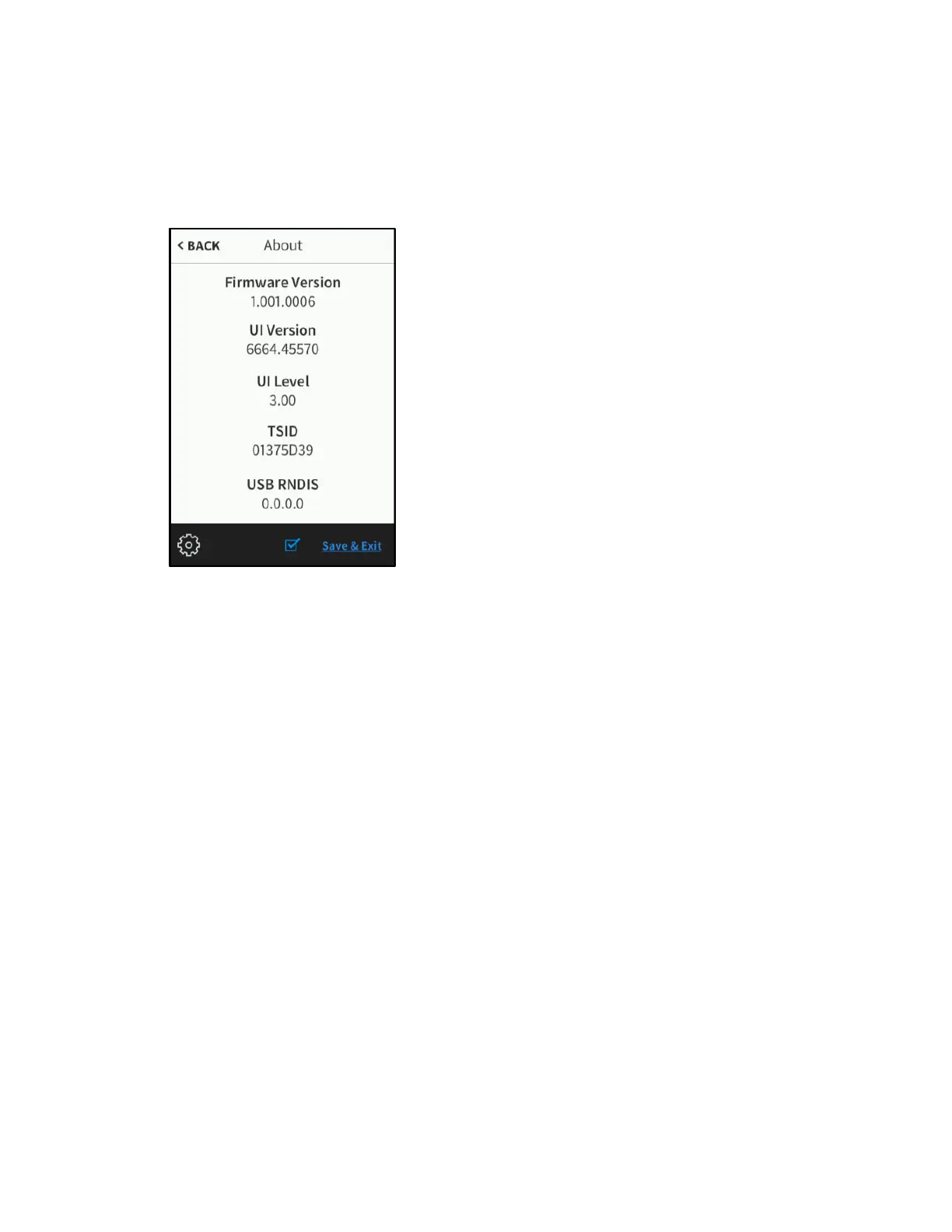
On the setup screen, tap About to display the About screen.
About Screen
Use the About screen to view information about the TSR-310, including the loaded
firmware, the operating system versions, and the device RNDIS address (if the TSR-310
is connected to a computer via USB).
Tap < BACK to return to the main setup screen.



 To Next Page