30 • TSR-310: Handheld Touch Screen Remote Supplemental Guide – DOC. 8226D
Dock
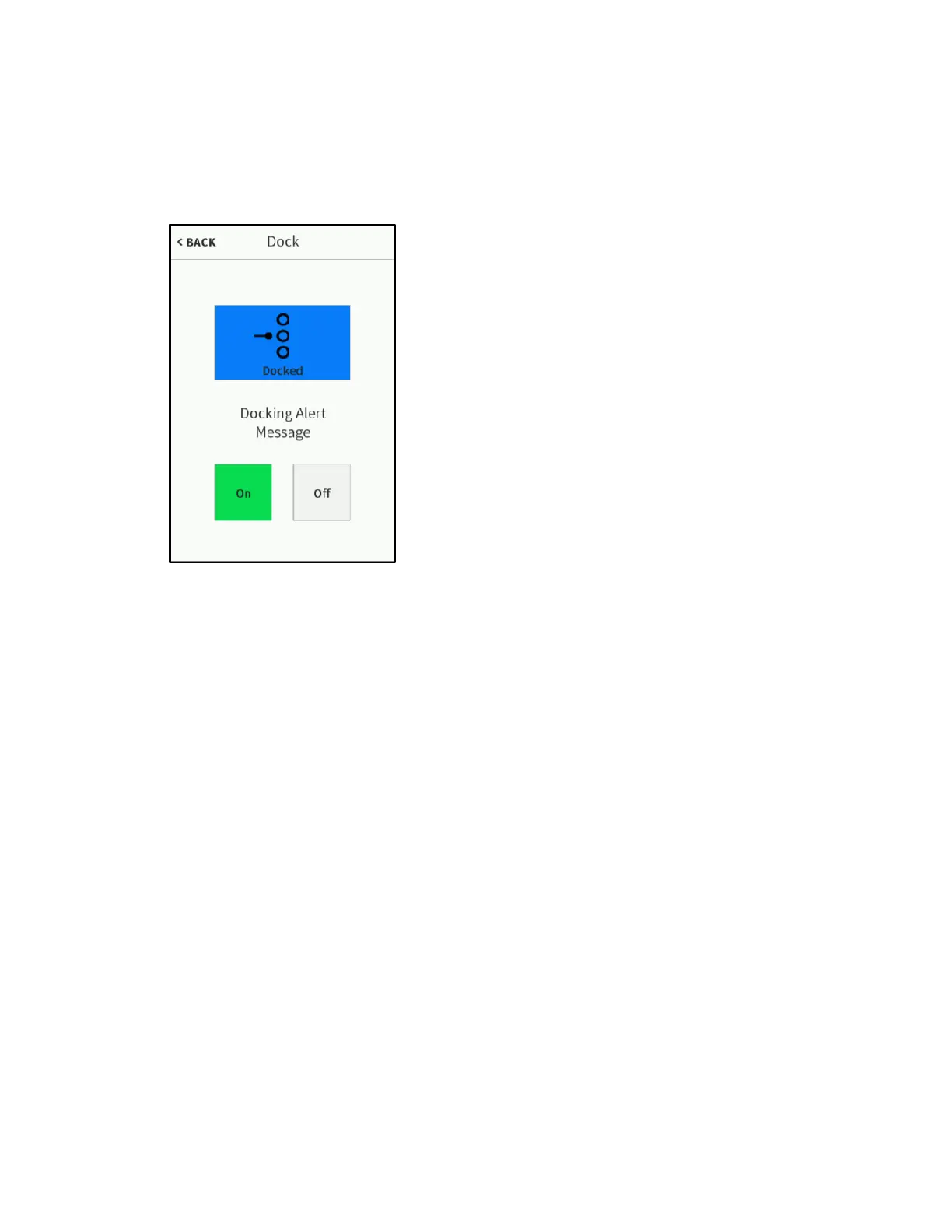
On the Diagnostics screen, tap Dock Test to display the Dock screen.
Dock Screen
Use the Dock screen to view the docking status and to configure dock alert message
settings.
If the remote is docked, a blue Docked icon displays. If the remote is not docked, a white
Not Docked icon displays.
Tap On under Docking Alert Message to turn on displaying docking message alerts on
the TSR-310. Tap
Off to turn off displaying docking message alerts on the TSR-310.
Tap < BACK to return to the
Diagnostics screen.



 To Next Page