Supplemental Guide – DOC. 8226D TSR-310: Handheld Touch Screen Remote • 19
Voice Control
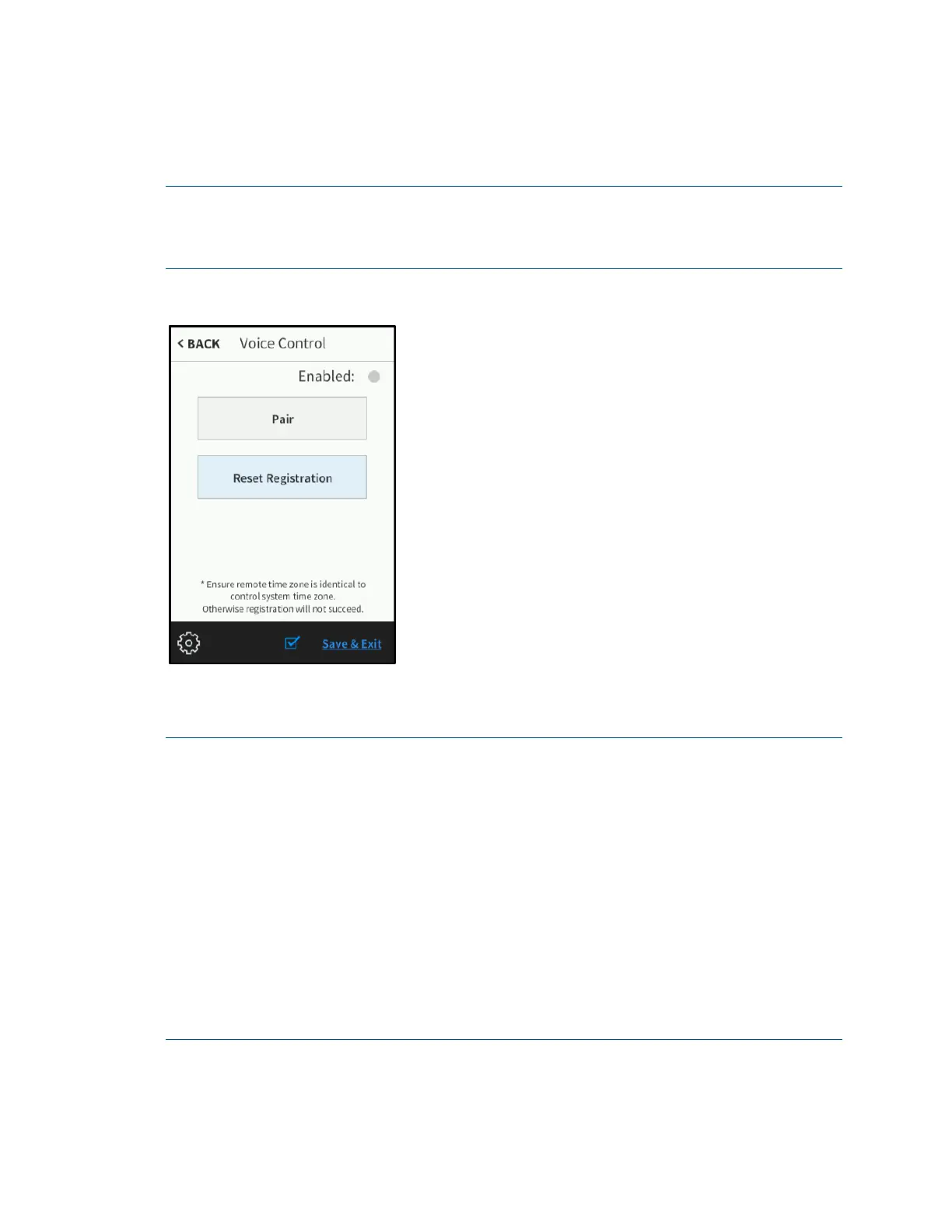
On the setup screen, tap Voice Control to display the Voice Control screen.
NOTE: The Voice Control screen is used to pair the TSR-310 with a voice services
provider if a Smart Graphics program has been loaded to the remote. If the TSR-310 is in
Performance UI mode, voice control is set up through Performance UI. For more
information, refer to the Performance UI for TSR-310 Operations Guide (Doc. 8410)
Voice Control Screen
Use the Voice Control screen to enable or disable pairing the TSR-310 with the voice
control services provided by an Amazon® software or a Google® software account.
NOTES:
∙ The TSR-310 must be connected over IP to a control system that has been
programmed and registered for voice control services. For more information,
refer to "Appendix B: Set Up Voice Control Services," starting on page 49.
∙ As long as the TSR-310 is connected to a valid WAP and has been registered with
a voice control provider, voice control continues to function even if it becomes
disconnected from the control system. However, if the TSR-310 is restarted after
disconnecting from the control system, voice control no longer functions.
∙ Once the TSR-310 is paired with a voice services provider, the TSR-310 shows as
paired even if it is no longer connected to the control system. To register the
TSR-310 with a different control system, either unpair the TSR-310 prior to
modifying the IP table configuration, or reset the existing registration if the IP
table configuration has already been modified.
Tap Pair to pair the TSR-310 with the voice control provider. If the registration is
successful, a "Registration successful" message displays, and the
Enabled indicator on
the top right of the screen turns green.



 To Next Page