8 • TSR-310: Handheld Touch Screen Remote Supplemental Guide – DOC. 8226D
Wireless Details
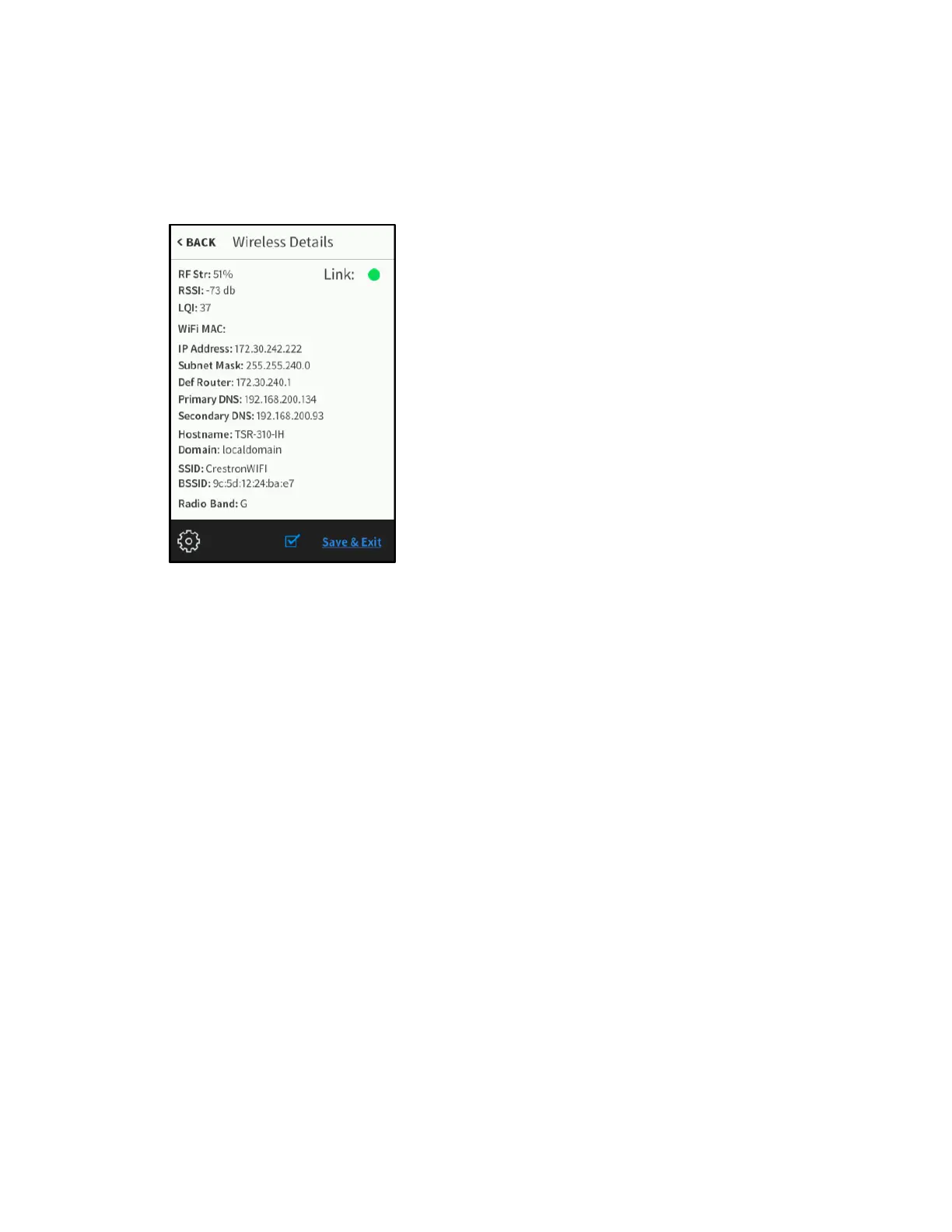
On the Wireless Settings screen, tap Details to display the Wireless Details screen.
Wireless Details Screen
Use the Wireless Details screen to view various wireless connection details for the
TSR-310 and the current WAP. A
Link indicator is also provided to indicate the status of
the wireless connection. (Green indicates that the wireless connection is active.)
Tap < Back to return to the Wireless Setup screen.
Select an Access Point
On the Wireless Settings screen, tap Connect to WAP to display the Select Access
Point screen.



 To Next Page