28 • TSR-310: Handheld Touch Screen Remote Supplemental Guide – DOC. 8226D
Battery
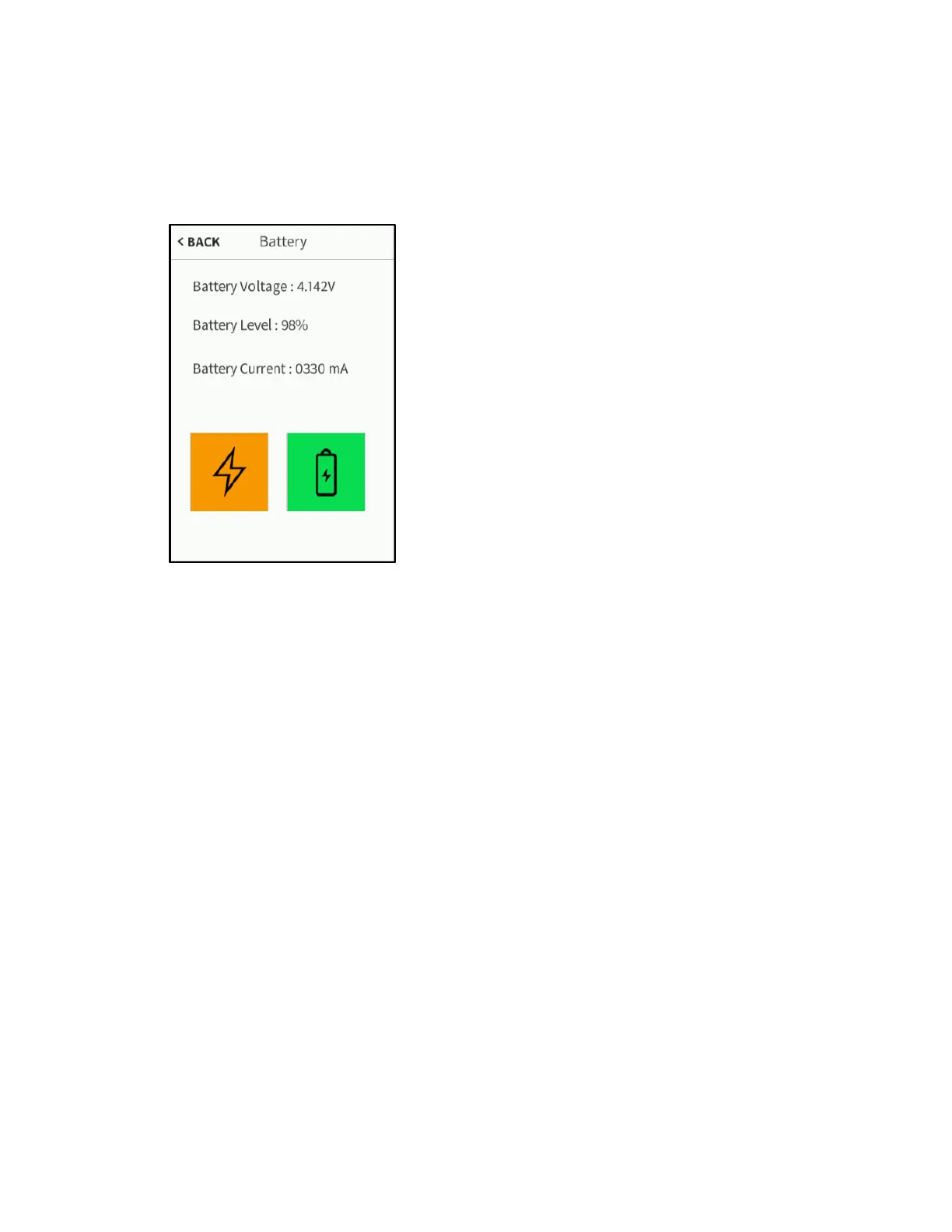
On the Diagnostics screen, tap Battery Diag to display the Battery screen.
Battery Screen
Use the Battery screen to view the TSR-310 battery voltage, charge, and current levels.
The Battery screen also indicates the power source and battery charge behavior as
follows:
• If the TSR-310 is receiving external power through the dock, an orange lightning
bolt icon is shown. If the TSR-310 is receiving power from its battery, a green
battery icon is shown.
• If the TSR-310 battery is charging, a green charging battery icon is shown. If the
TSR-310 battery is not charging, a white, empty battery icon is shown.
Tap < BACK to return to the
Diagnostics screen.



 To Next Page