188 • TSW-70 Series Product Manual — Doc. 8550E
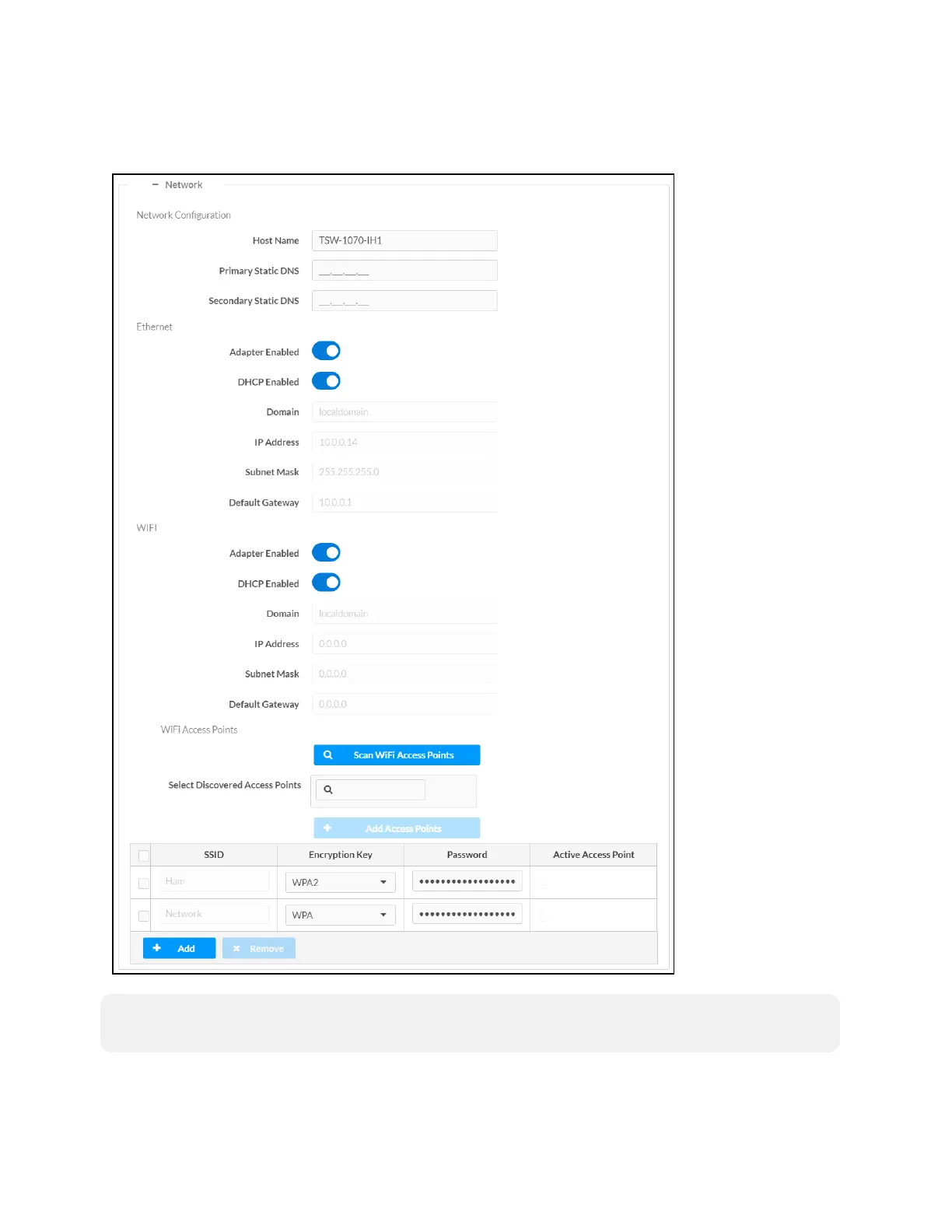
Click the + (plus)icon next to Network to display the following network settings.
Settings Tab - System Setup (Network)
NOTE: The IP Address, Subnet Mask, and Default Gateway fields are required only if DHCP is
set to Disabled for Ethernet and Wi-Fi network connection.


 To Next Page
 Loading...








