thecrowgroup.com Page | 33
Radio Zones
Parameter Description Default Configuration
Name Enter name to identify the Zone Zone #
Add Zone (Learn Radio
zone)
Radio detector must be enrolled into the panel before it can
be used.
Select zone # , Add Zone -> Link Type :ISM or DECT , Device’s
ID, Device type
Note:
The pairing of DECT ULE device must be preliminarily
performed from "Communication" → "DECT" → "Learn DECT
Device".
When the DECT device pairing is done, then you can go to
"Radio Zones" and assign the DECT device ID to a zone.
Delete radio zone Removing radio zone from the system. -
Zone Config
This function set remotely the radio zone parameters such as
led on/off, pulse detection, Pet immunity, Gain level, etc.
Dedicated menu
according to detector
type enrolled
Radio Zone Module
Select device type “ ISM “ for RF devices or “DECT” for DECT
devices.
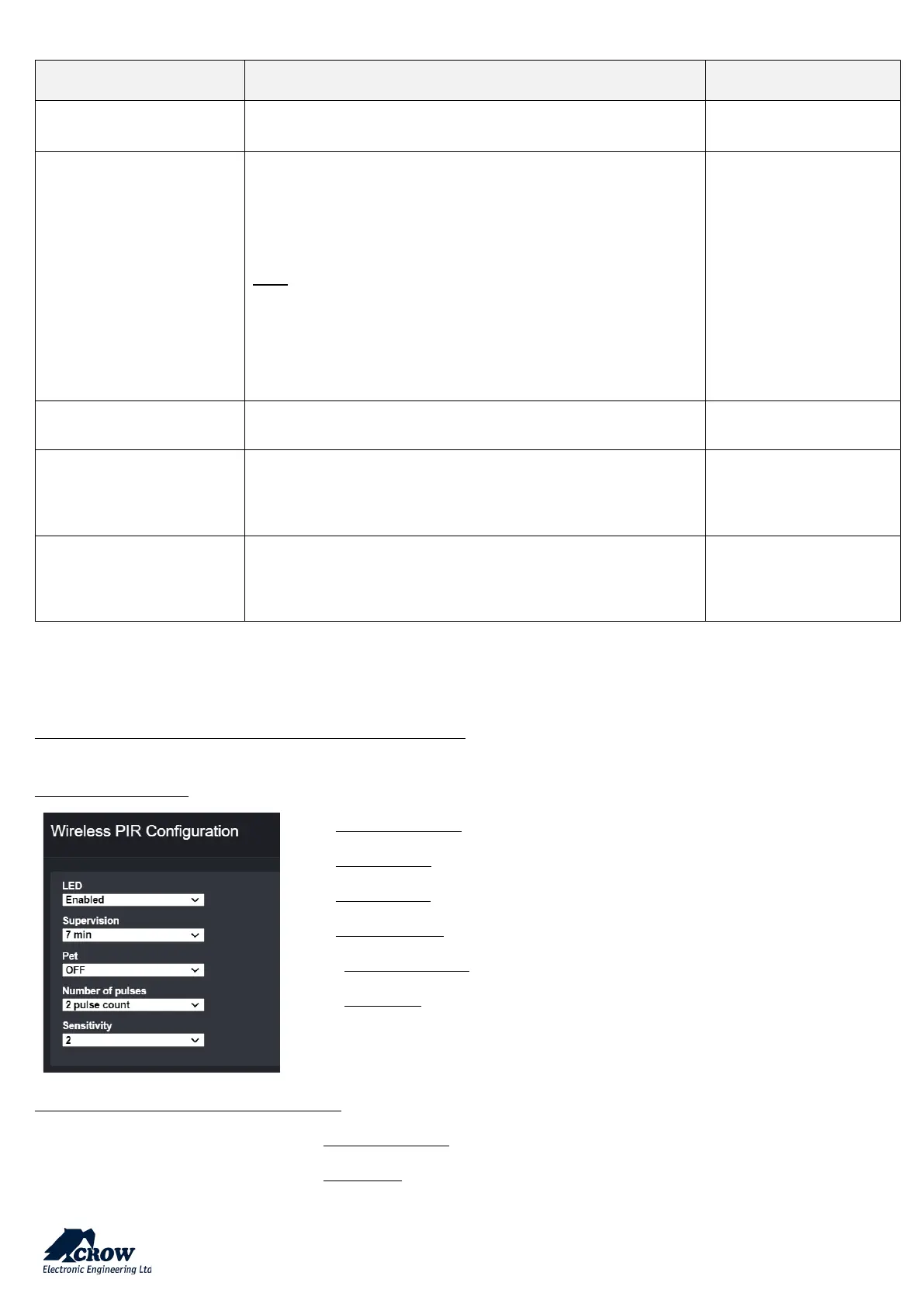
Zone Configuration –features & options examples:
DetectorPIR Wireless
LED(s) state: Activation or not of the LED indicators
Supervision: Time period between each supervision in minute (from 1 to 30)
Pet Immunity: Activation of up to 25Kg Pet immunity
Number of Pulses: Pulse count for each motion detection
Sensitivity : PIR Sensitivity
2MAG-SHWireless Door / Window Magnet
LED Enable: Activation or not of the LED indicators


 To Next Page