thecrowgroup.com Page | 63
Disconnect
- Disconnect the remote connection from Panel
CrowCloud™ Web Services
Your SHEPHERD™ panel is configured by default for direct communication to CrowCloud™.
After configuration of your panel, go to http://www.Crowcloud.com
and proceed with the user registration to your
SHEPHERD™ panel.
The Crow Cloud personal user webpage allows the end user direct
access to all of its registered control panels.
This personal webpage offers to the end user possibility to:
• Connect to its registered control panel
• Monitor and Control panel and connected devices
• Browse alarm pictures and request for immediate take picture
• Get panel connection info
• Manage cloud users
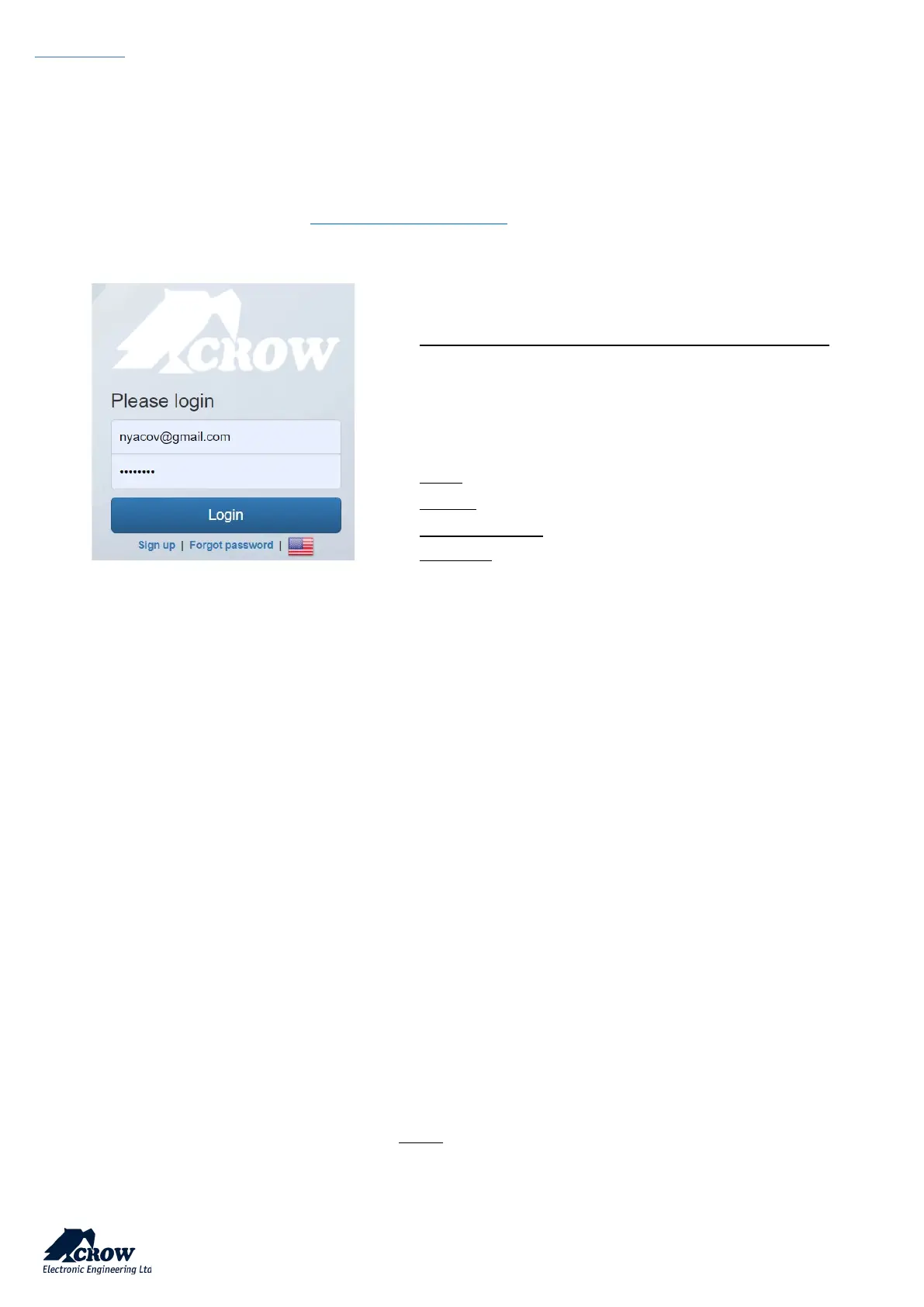
Login: If you already have an account on Crow Cloud, fill these form
Sign up: Click this link to start registration of new user
Forgot Password: Click this link to retrieve your password
Language: Select your preferred language
Email:
Enter end user’s email address.


 To Next Page