PROGRAMMING USING THE L-ALPHA PAGE
The L-ALPHA PRODUCT page is often called L-alpha page for its
programming method.
On this page, a product is programmed by defining its profile by the length
and the angle of each face.
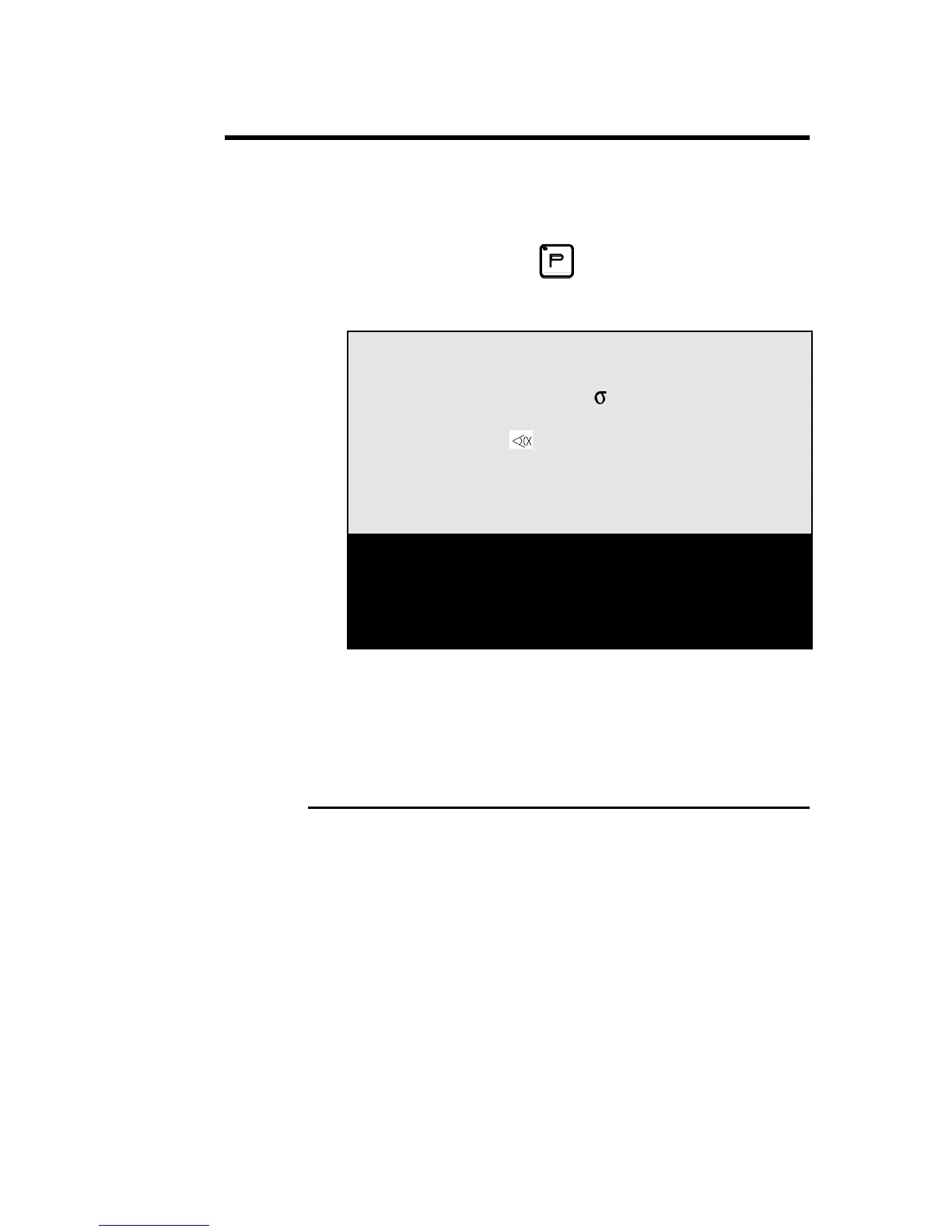
Call the L-alpha page using the
key, or by passing via the main menu
choosing L-ALPHA PRODUCT.
This page presents as follows:
P 0 P+ ___ N 1 I/mm
CODE CAL_/__.__
p/d __/__ St:_ Al:_ SS:_
Th: __.__ Kg/mm² ___.___
Lmat _____ Dev L ____.__
-N- -L- - - -p/d- -ri- CR
1 ____.__ ____._° __/__ ____.__ __
2 ____.__ ____._° __/__ ____.__ __
3 ____.__ ____._° __/__ ____.__ __
4 ____.__ ____._° __/__ ____.__ __
Note: On the following pages, you will find a systematic explication of all the
fields which figure on the L-alpha page.
If you wish to just follow the procedure, you may pass directly to chapter
L-alpha Method, page 43.
L-ALPHA PAGE: FIELD OVERVIEW
P
Product number
- existent in the work memory or
- to be created or
- to be searched for
The product number must be a number of a
maximum of 3 digits between 1 and 997.
(998 and 999 are reserved numbers)
If the product is created from an empty page,
the field contains the number 0.
The field keeps this value as long as the
product has not been stored.
APPENDIX F: PROGRAMMING WITH L-ALPHA PAGE 39



 To Next Page