Chassis Management
AlterPath BladeManager Manual 4-25
OnDemand means that the connection is established only upon the user’s
request, and disabled again when the last user on the console/device logs out.
When disconnected, no data buffer or alarm is available.
>> Selecting the Group(s) to Access a Chassis
To select one or more groups to access a chassis:
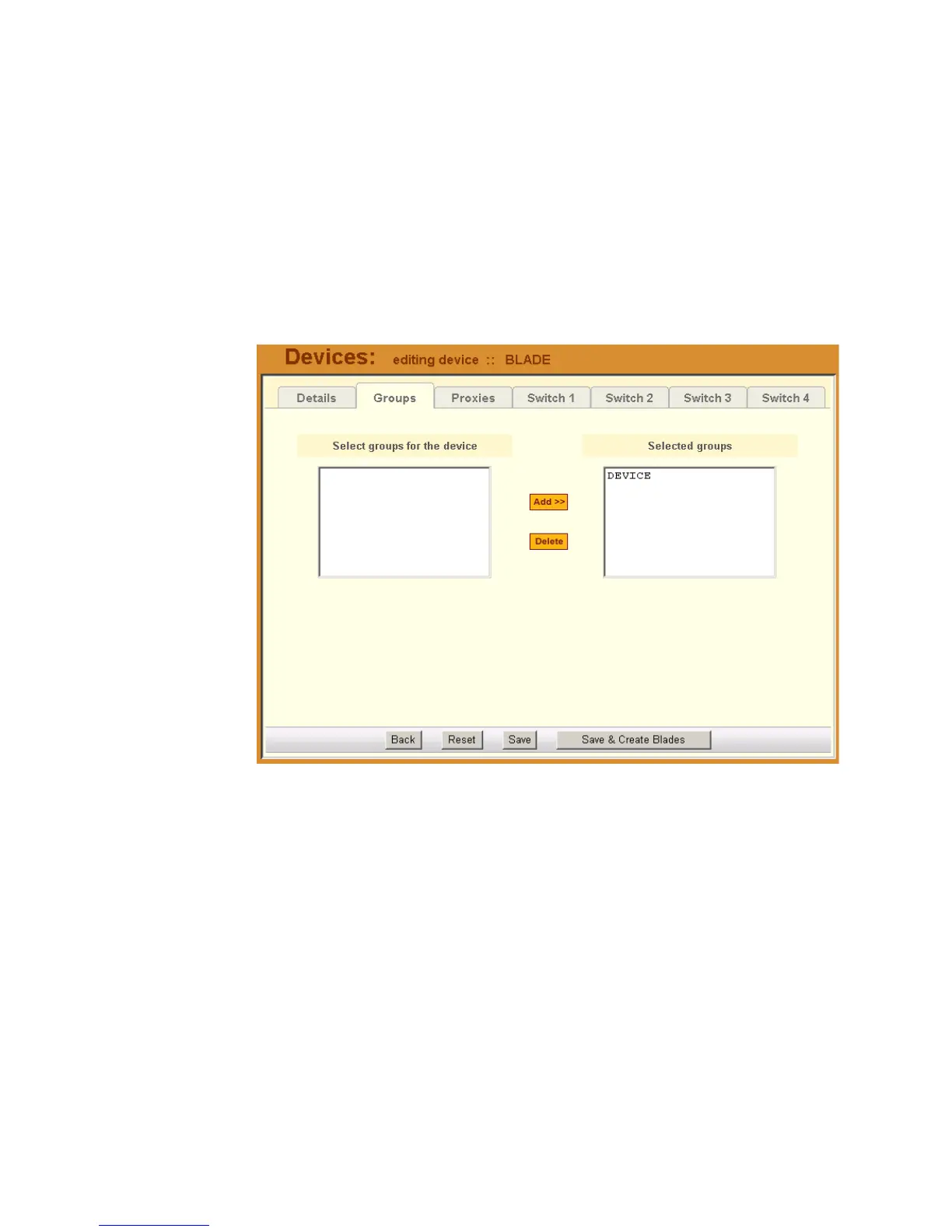
1. From the menu, go to Devices > Details > Groups.
The system displays the Devices - Groups tabbed form:
2. Select (or highlight) from the left list box the device group that the current
chassis supports.
Note: Unless a device is configured for another group, the Device group is
the default group for all devices.
3. Click on Add.
4. Repeat steps 2 and 3 if you have another group to add.
Note: To delete any entries from the Selected Groups box, highlight the
group you wish to delete and then click on Delete.
5. Click on Save to save your configuration.



 To Next Page