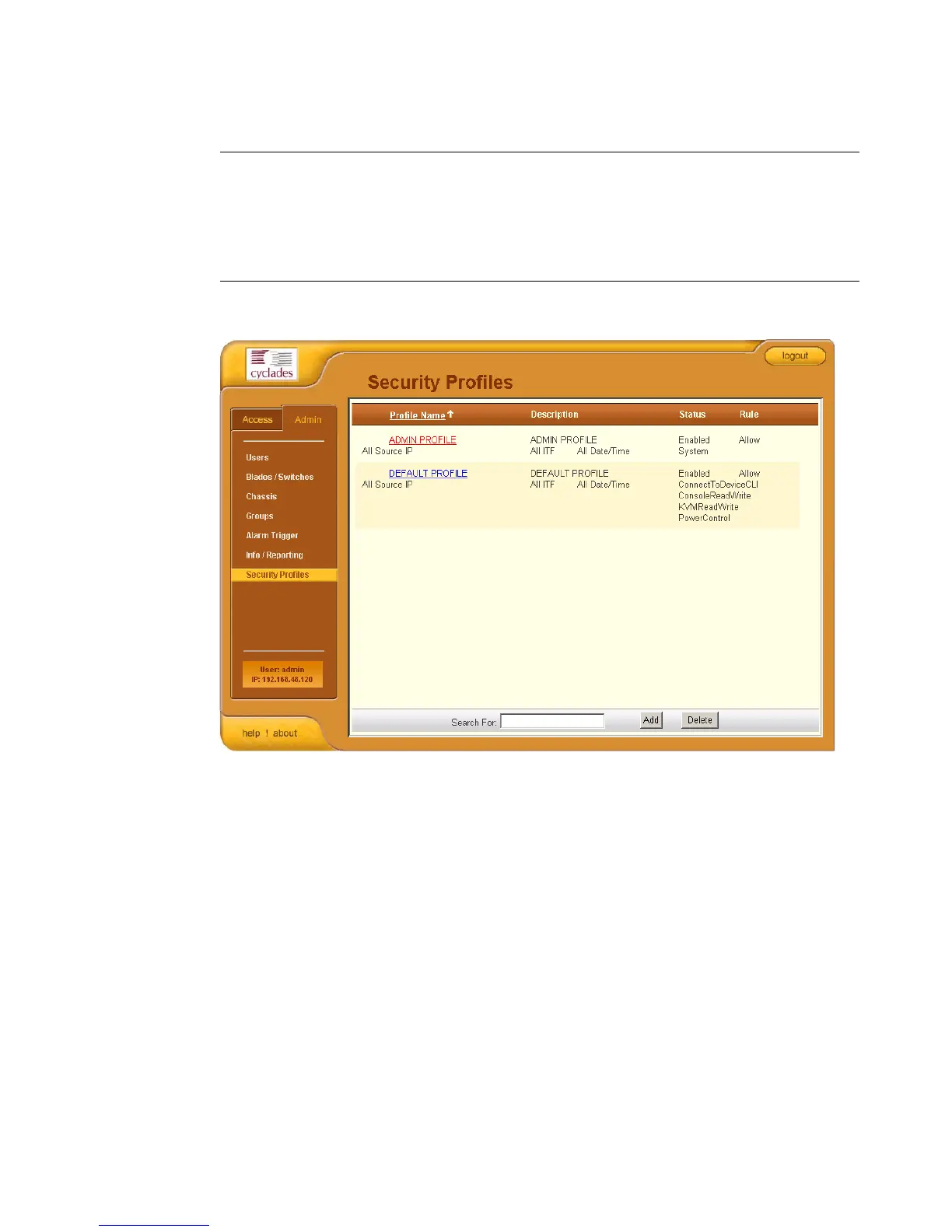
Security Profiles
AlterPath BladeManager Manual 4-67
>> Adding or Editing a Security Profile
To add or edit a security profile, perform the following steps:
1. From the menu select Security Profile.
The system displays the Security Profile list form (see previous page).
2. Select the Add button to add, or select an existing profile to edit.
Status States if the profile is enabled or disabled; if
appicable, lists all authorized actions for the
current profile.
Rule States whether the rule is to allow or deny.
Column Name Definition



 To Next Page