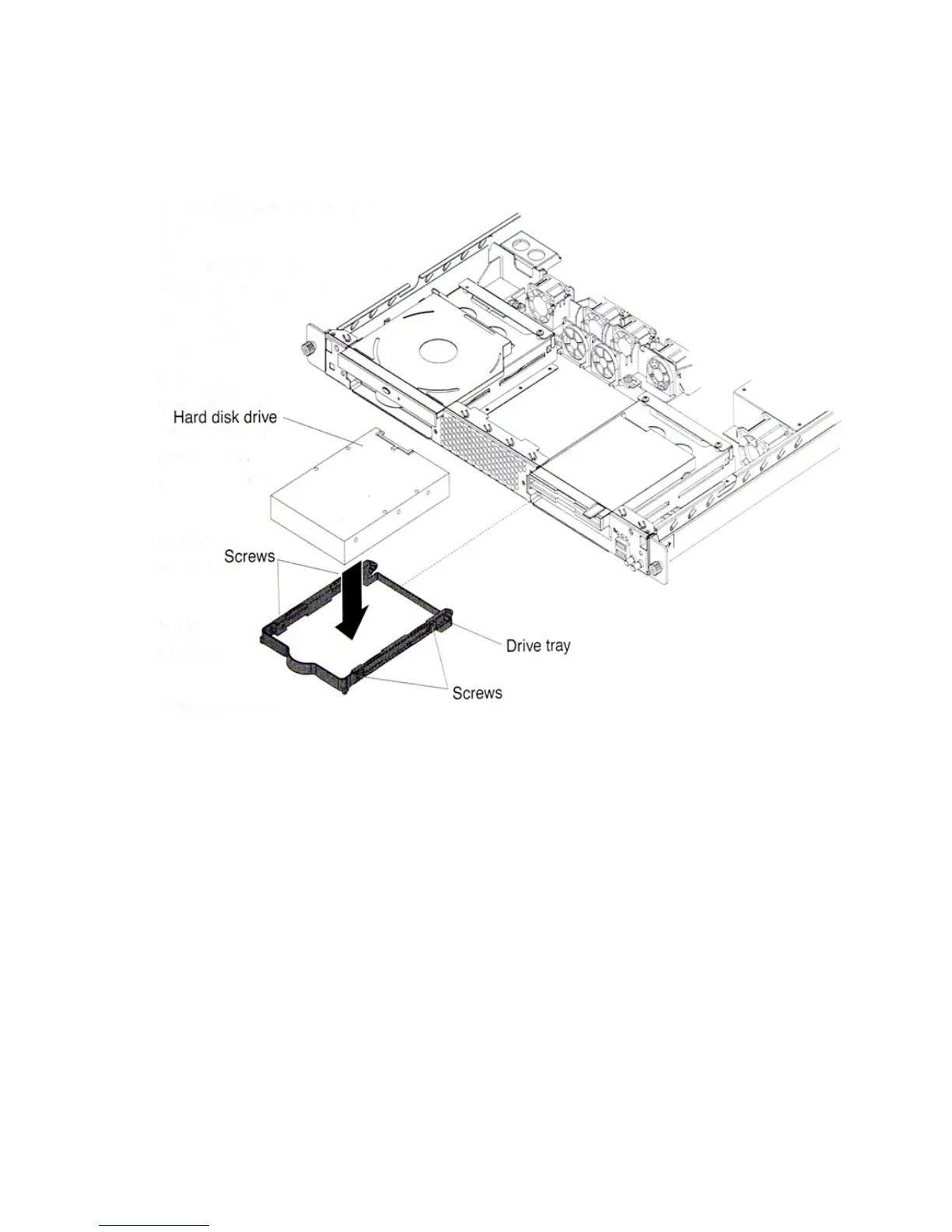
Installation Procedures
AlterPath BladeManager Manual 2-17
9. If you have other options to install, do so now.
10. Re-install the bezel and replace the cover. Go to Completing the
Installation, this chapter.
Installing an Adapter
This section describes the types of adapters that your server supports and
other information to consider when installing as adapter.
• In addition to the instructions in this section, follow the instructions that
come with the adapter.
• Your server comes with two peripheral component interconnect-extended
(PCI-X) adapter slots located on the riser card assembly. You must first
remove the riser card assembly to access the PCI-X connectors.
• There are two 64-bit 66 MHz PCI-X slots.
• You can install one low profile half-length adapter in expansion slot 1 and
one full-height, three-quarter length adapter in expansion slot 2.
• The BladeManager supports 3.3 V or universal adapters.



 To Next Page