4: BladeManager Web Administration
4-68 AlterPath BladeManager Manual
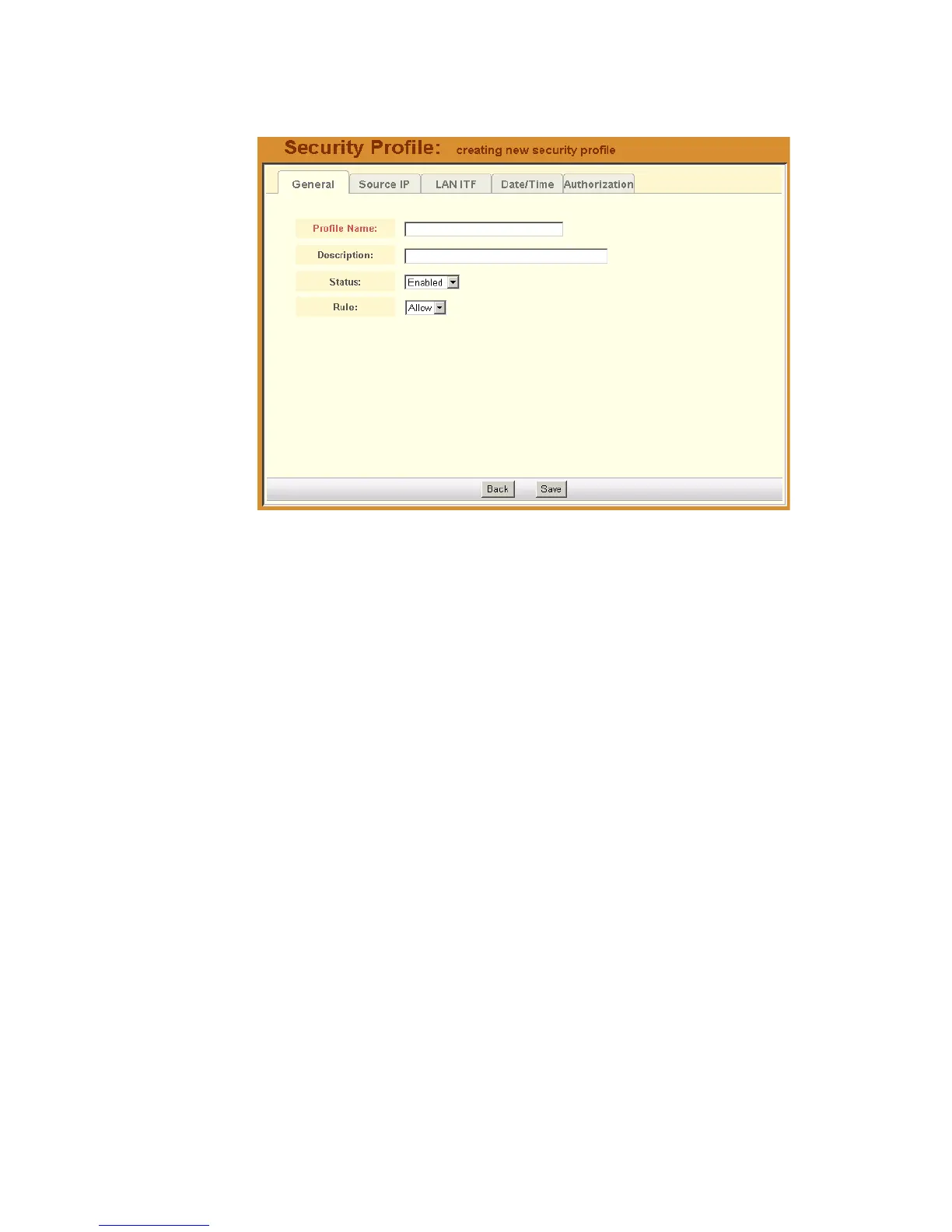
The system displays the Security Profiles - General tabbed form:
3. From the General tabbed form, enter the profile name (required), a brief
description of the profile, its status (Enabled, Disabled, Deleted), and the
rule to be applied to the entire profile (Allow or Deny).
4. Click on Save.
>> Security Profiles: Source IP
1. Click on the Source IP tab to configure the conditions for accepting
source pages for the current profile.



 To Next Page