User’s Profile
AlterPath BladeManager Manual 3-25
>> Changing Your Password
To change your password, perform the following steps:
1. From the User’s Profile detail form, click on Set Password.
2. From the password dialog box, enter the new password twice.
3. Click on Submit.
>> Viewing the User Access Form
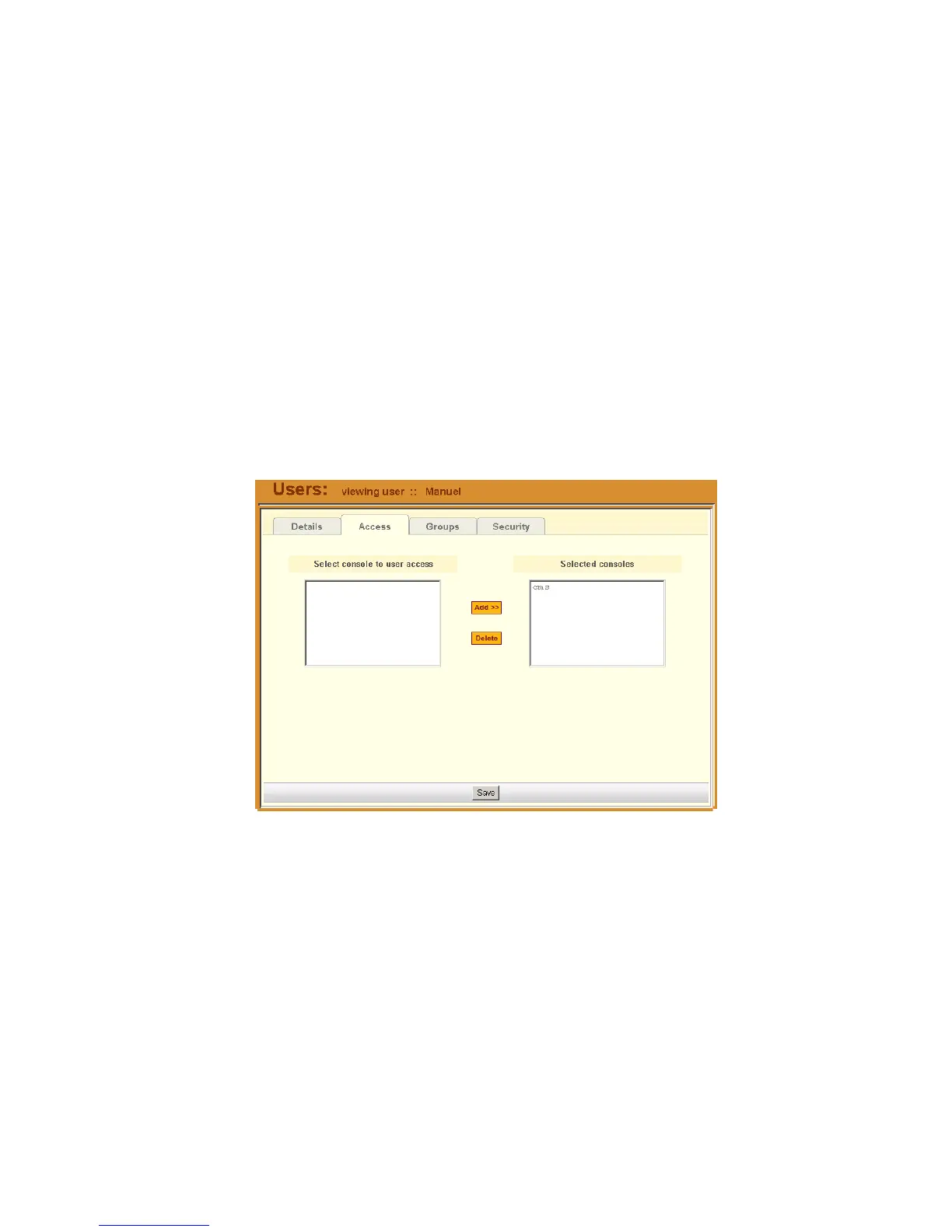
The User Access form shows the blades that the current user can access.
To view the User Access form:
1. From the User Detail form, click on Access.
The system displays the User Access form:
>> Viewing the User Groups Form
The User Groups tabbed form displays the groups to which you belong.
To view the User Group form:
1. From the User Detail form, click on Groups.



 To Next Page