Users
AlterPath BladeManager Manual 4-59
6. To select another console, repeat steps 4 and 5. You can also use the
<Shift> key to select multiple groups.
7. Click on Save to complete the procedure.
>> Selecting User Group(s) for a User
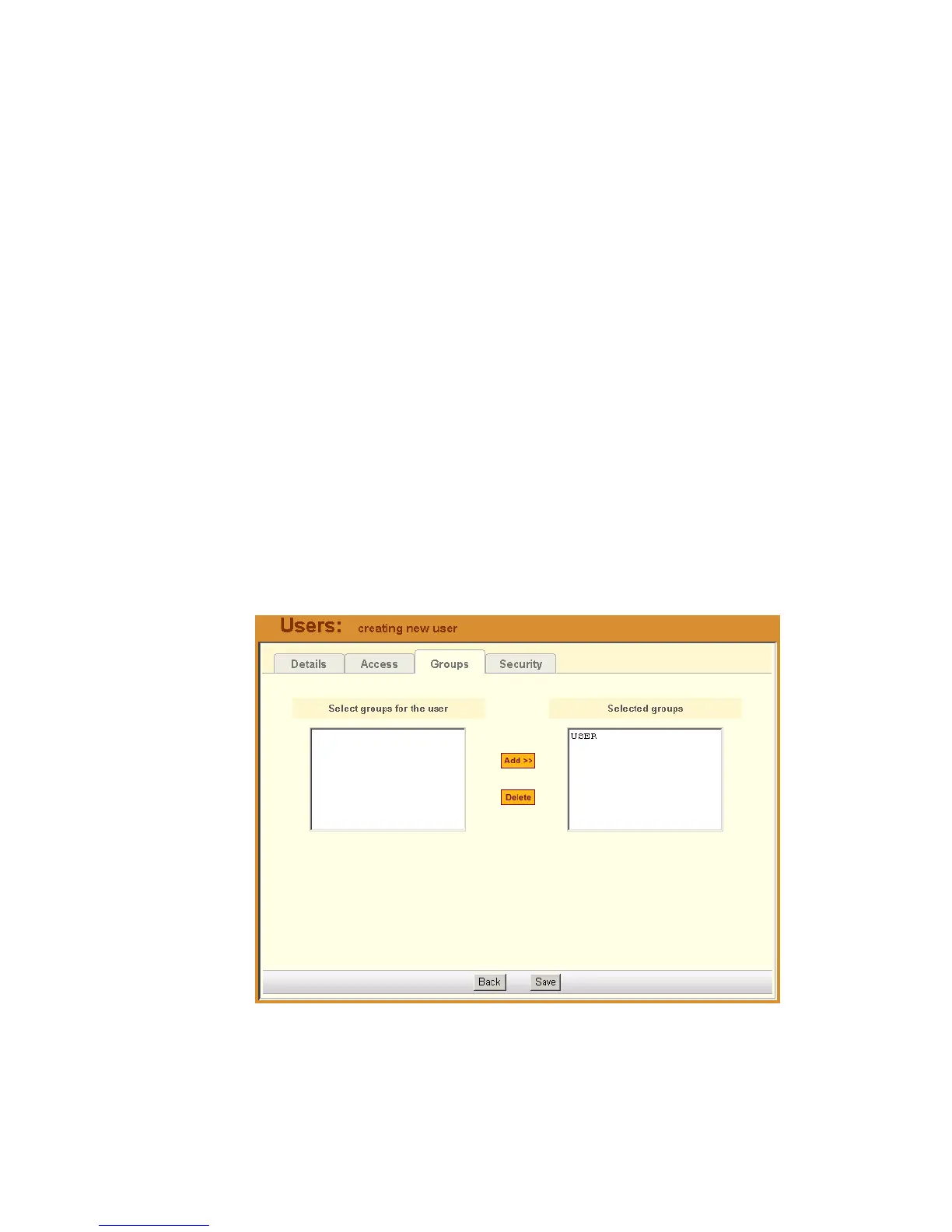
The User Group form allows you to assign a user to one or more user groups.
The user group, however, must already exist to be able to assign a user to the
user group. Otherwise, select Groups from the menu to create a user group.
To assign a user to one or more groups, follow the steps below:
1. From the menu, select Users.
The system displays the User List form.
2. From the User List form, select the user to whom you wish to assign one
or more groups.
The system displays the User Detail form.
3. From the User Detail form, click on Groups.
The system displays the User Groups form:
4. From the resulting form, select from the Select Groups for the User
view panel the group you wish to assign to the user.



 To Next Page