4: BladeManager Web Administration
4-28 AlterPath BladeManager Manual
• Use the KVM viewer to access KVM/net console.
>> Configuring the Proxy
To create or configure a proxy for a target device, follow the steps below:
1. Go to: Devices List form.
2. If the Device is new, click on the Add button
(If the Device already exists, highlight the device and click on the Edit
button.)
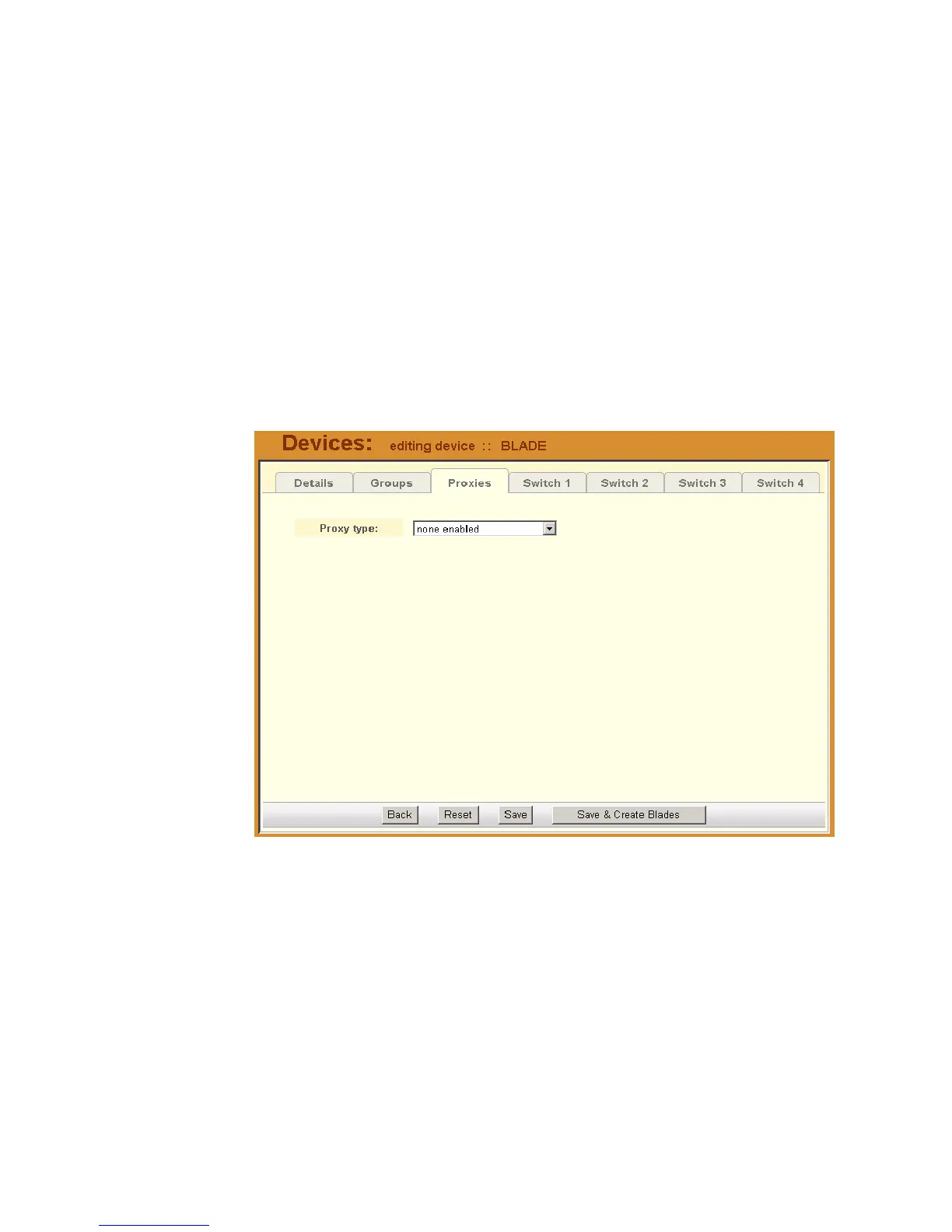
3. From the Device Edit form, select the Proxies tab.
The system displays the Proxies tabbed form.
4. From the Proxies tabbed form select the type of web proxy you wish to
assign for the current device.
Note: If you select Forward Proxy, then you must set the default gateway of
your PC and the chassis (or switches) to the IP addresses of the
BladeManager if your PC and the chassis (or switches) are in different
networks.
5. Click on Save to complete the procedure.



 To Next Page