4: BladeManager Web Administration
4-64 AlterPath BladeManager Manual
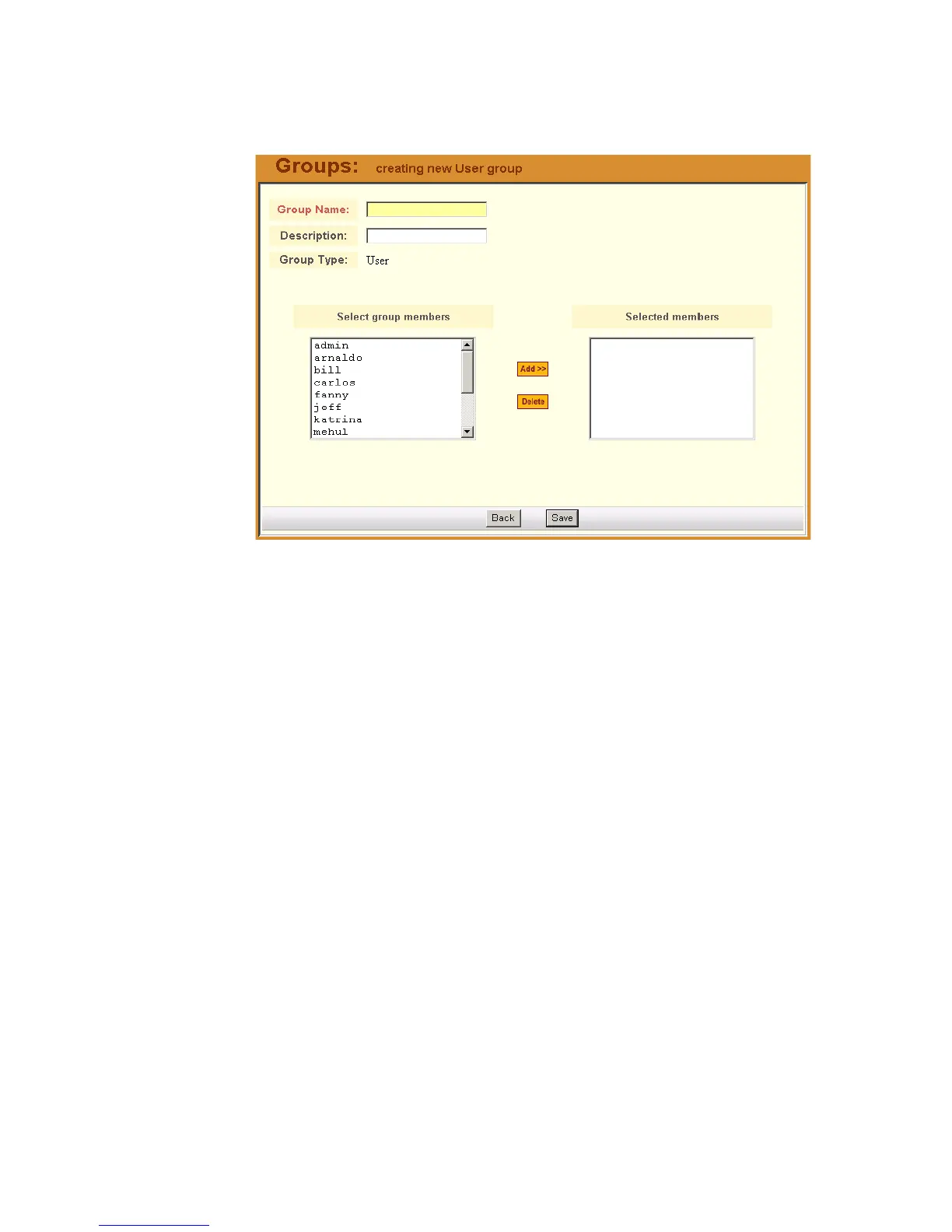
Based on your selection, the system displays the Group Detail form. The
example below uses the Group Detail form for the Group Type, User:
4. Enter the Group Name and Description of the new group.
5. Click on Save to complete the procedure.
>> Deleting a Group
Note: You cannot delete the following system-generated, default groups:
Device, Console, and User.
To delete a group, follow the steps below:
1. From the menu, select Groups.
The system displays the Group List form.
2. From the Group List form, click on the checkbox of the group that you
wish to delete.
3. Click on Delete.
>> Assigning a Security Profile to a User Group
The User Group includes an additional tab, Security, which allows you to
assign one or more Security Profiles to the current user group.
To assign a Security Profile:



 To Next Page