4: BladeManager Web Administration
4-46 AlterPath BladeManager Manual
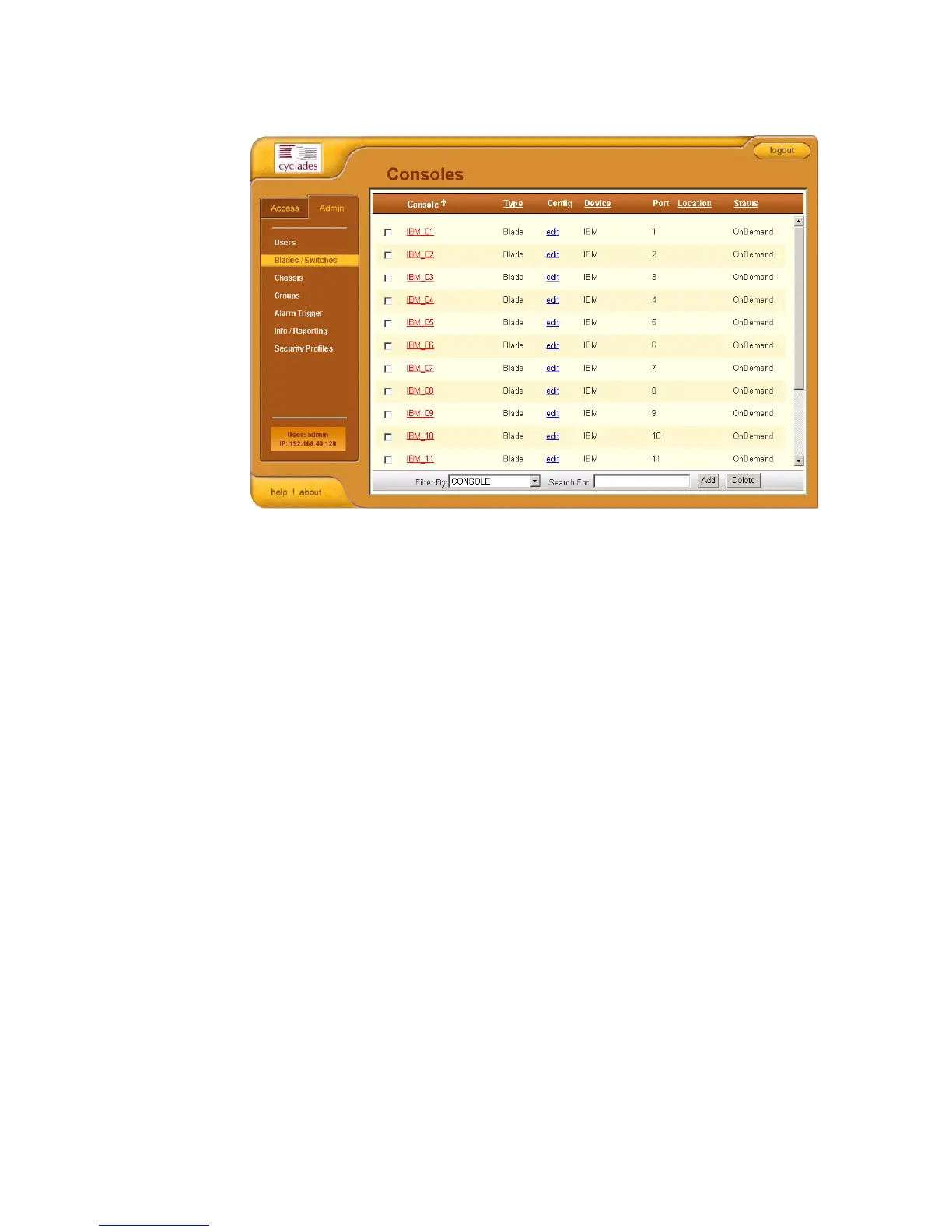
The system displays the Console List form:
From the Console List form, you can add, edit, or delete a console by
selecting the appropriate button or link.
>> Adding a Serial Console
This procedure uses the serial console as an example of the console type to be
created. Depending on the type of console, there will be variations in the
Console Detail form, but the procedure for adding a console for all types of
console is the same.
To add a console, follow the steps below:
1. From the menu, select Consoles.
The system displays the Console List form.
2. From the Console List form, click on the Add button.



 To Next Page