4: BladeManager Web Administration
4-16 AlterPath BladeManager Manual
Sorting, Filtering, and Saving a List Form
An underscored column heading on any of the list forms indicates that the list
may be sorted based on that column heading. For example, you can sort the
previously shown User List form by Username, Department, Location or
Status by clicking on the heading.
Where there are several underscored headings on a list, an arrow appears
adjacent to the heading on which the sort is based. The position of the
arrowhead indicates the sort order. A downward arrowhead indicates that the
list is alpha-numerically arranged in ascending order; an upward arrowhead,
in descending order. You can change the sort order by clicking on the heading
or the arrow.
Example:
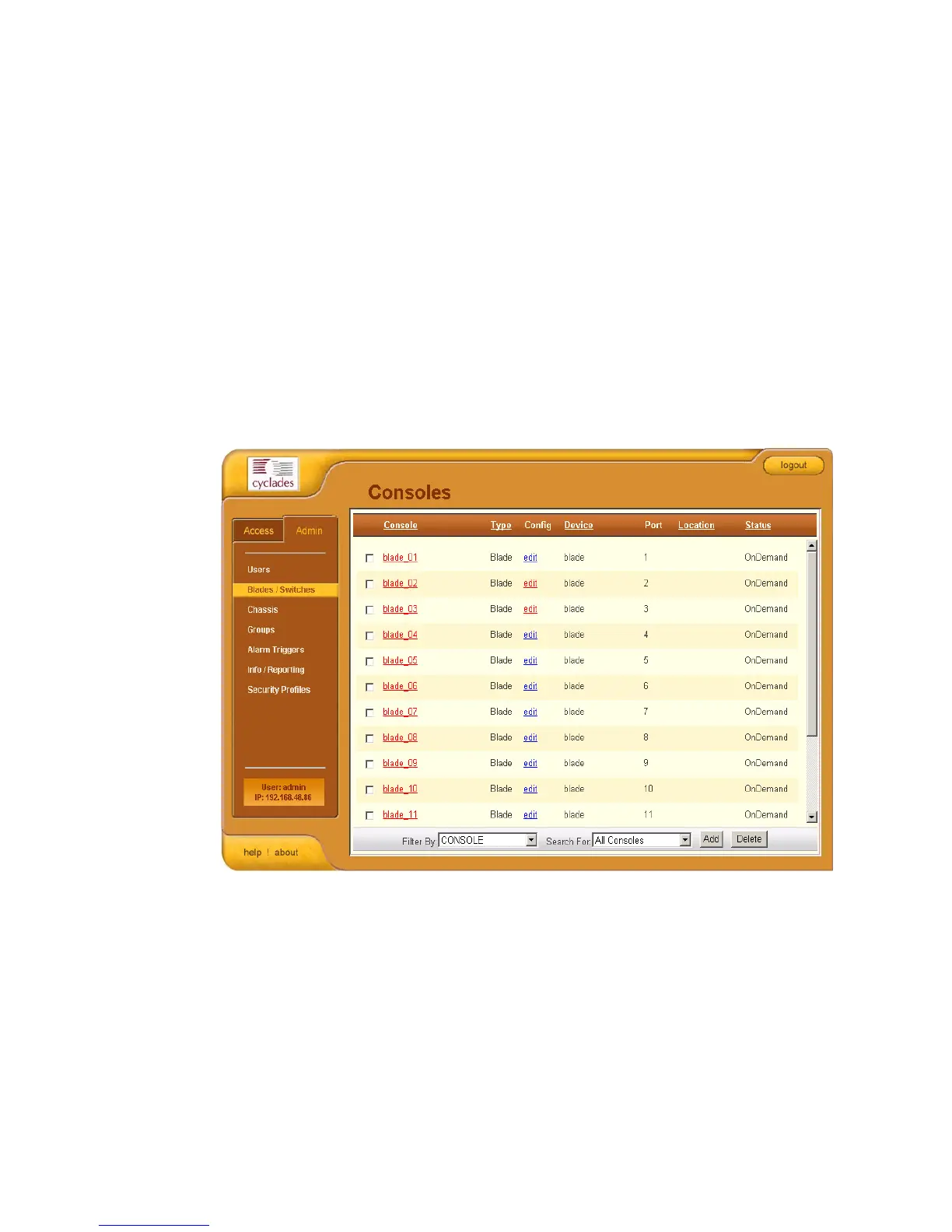
The Console List form shown above is sorted by Console in ascending order.
You can further sort this form by Type, Device, Location, and Status.
To filter your list by group, use the Filter by button. The system
automatically saves the filtered list.
To search for a particular console, use the Search button.



 To Next Page