User’s Profile
AlterPath BladeManager Manual 3-27
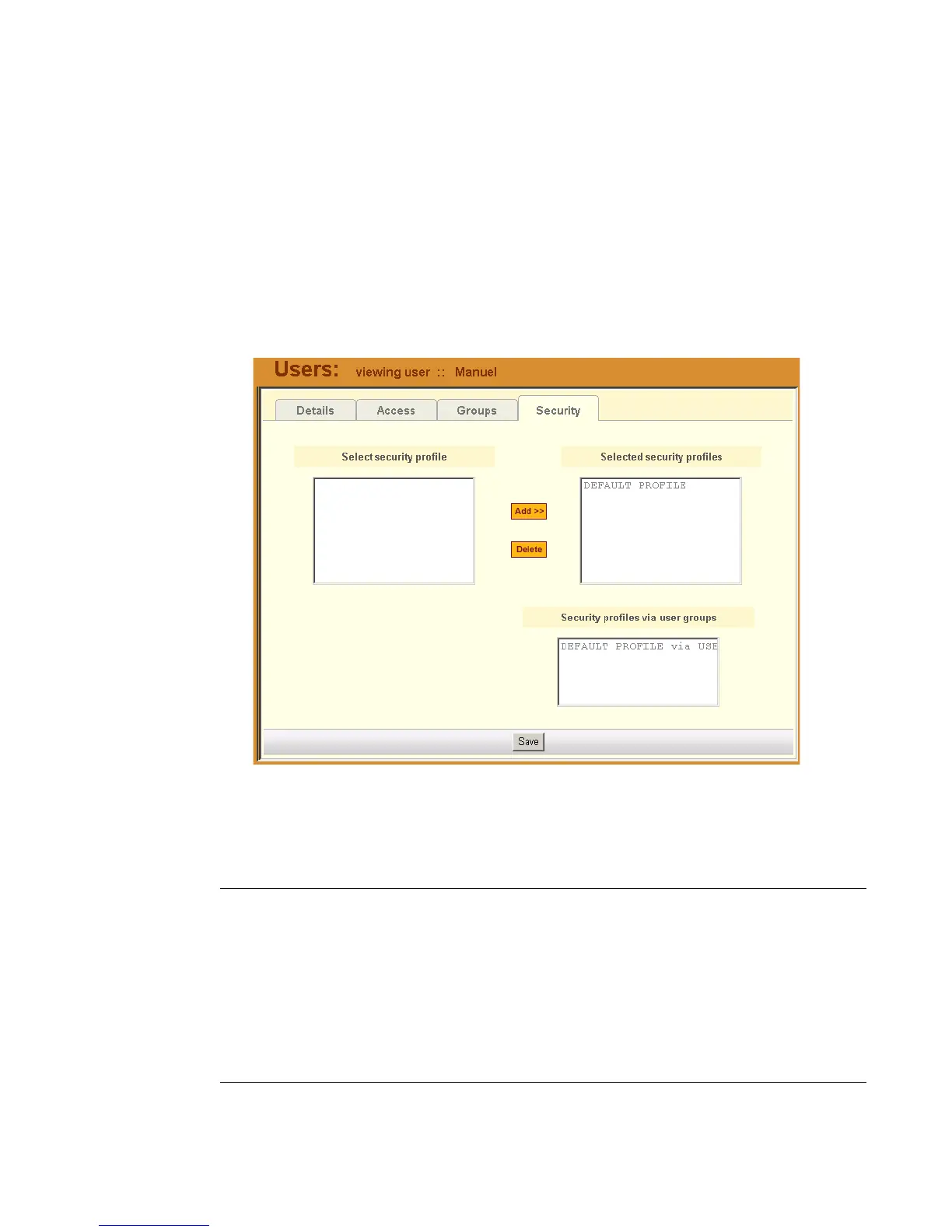
>> Viewing the Security Form
The Security form shows the current security profile assigned to you (for
example, the blades you are allowed to access), including any other applicable
profiles.
To view the Security form:
1. From the menu, select User’s Profile; from the Details form, select the
Security tab.
The system displays the Security tabbed form:
Table 3-10: User’s Profile, Security Form - Fields and Elements
Field Name Definition
Security Tab or button to select the current form.
Select security profile List box from which to select a possible list of
security profiles assigned to the current user.
Add Button to add a selected security profile (left
list box) to the Selected security profiles list
box.



 To Next Page