Alarm Trigger
AlterPath BladeManager Manual 4-41
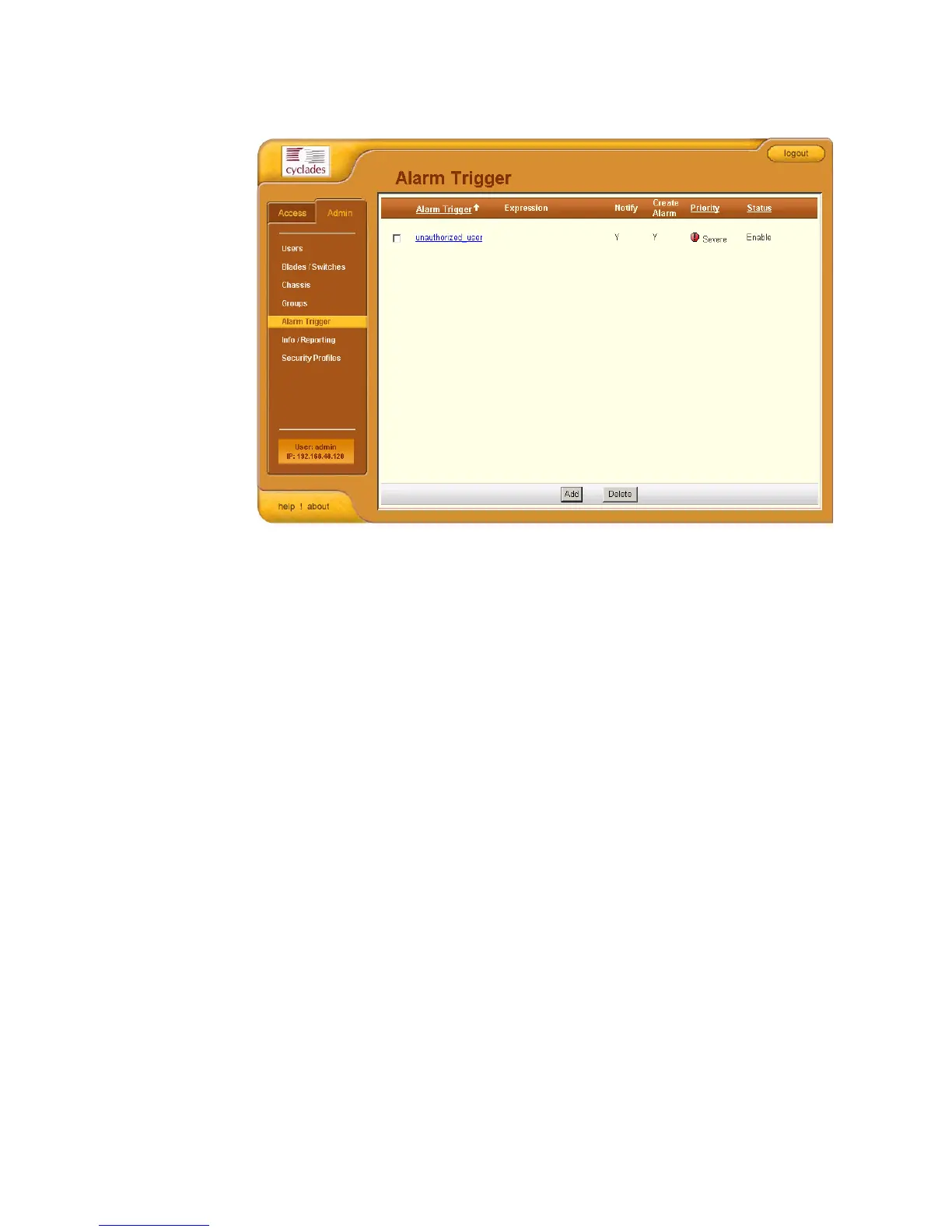
The system displays the Alarm Trigger list form:
For an explanation of each fieldname, refer to the Form Fieldnames and
Elements of the Alarm Trigger Detail form, next form section.
To view or edit the configuration of an alarm trigger, click on the alarm
trigger name.
>> Creating an Alarm Trigger
Use the Alarm Trigger Detail form to define triggers to generate user
notifications and alarms.
To create an alarm trigger, follows the steps below:
1. From the menu, select Alarm Trigger.
The system displays the Alarm Trigger List form.
2. From the Alarm Trigger List form, click on the Add button.



 To Next Page