Logs
AlterPath BladeManager Manual 3-19
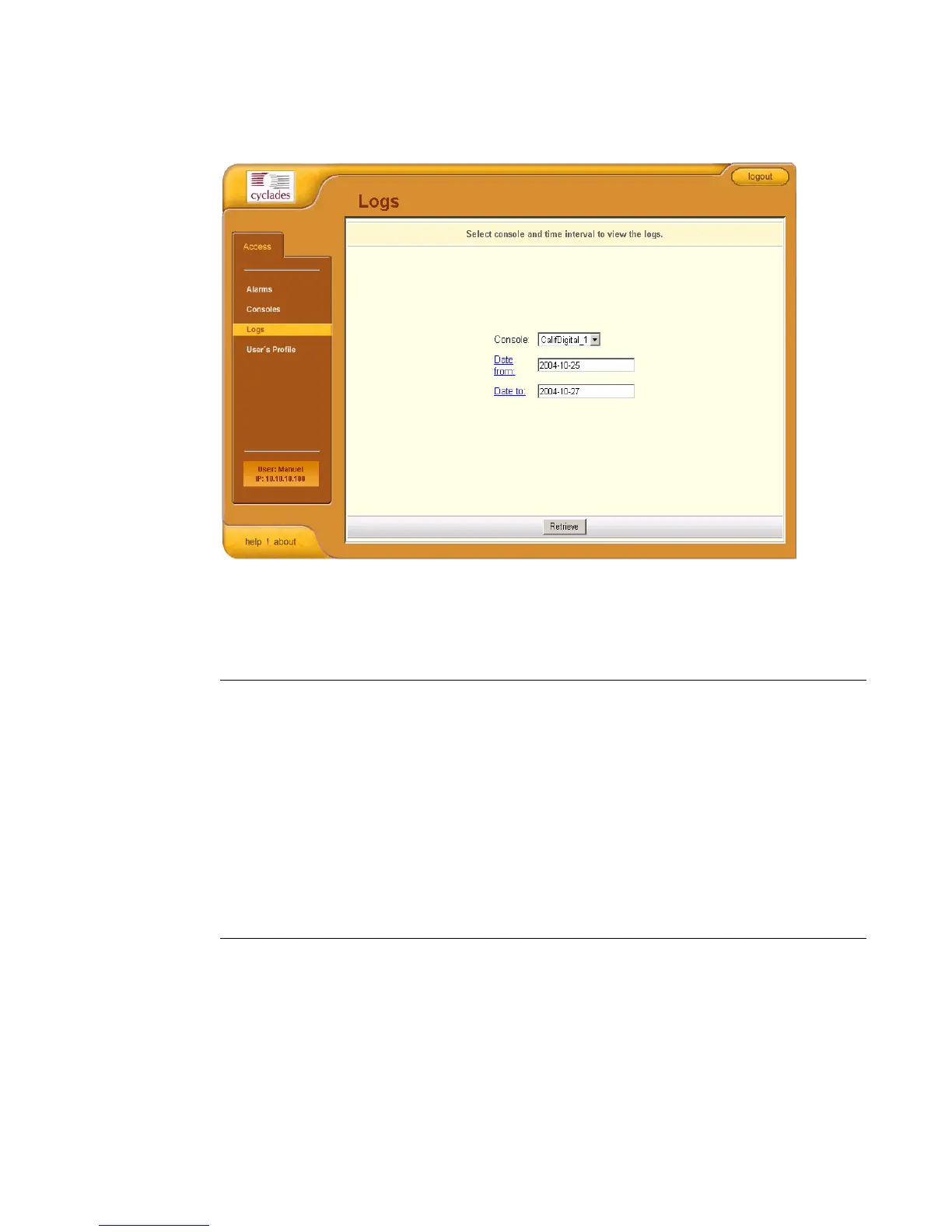
When you select Logs from the menu panel, the primary form, shown below,
will prompt you for a range of dates from which to retrieve your logs.
>> Viewing the Logs
To view the logs available for a specified blade (to which you have authorized
access), perform the following steps:
1. Select Logs from the menu.
Table 3-5: Form Fields and Elements
Field Name Definition
Console Drop down list to select a blade server that
will be the basis of the log(s) to be retrieved.
Date From Drop down list to select the starting date of the
log(s) to be viewed.
Date To Drop down list to select the end date of the
log(s) to be viewed.
Retrieve Button to download the requested log(s) and
display the Log forms.



 To Next Page