4: BladeManager Web Administration
4-30 AlterPath BladeManager Manual
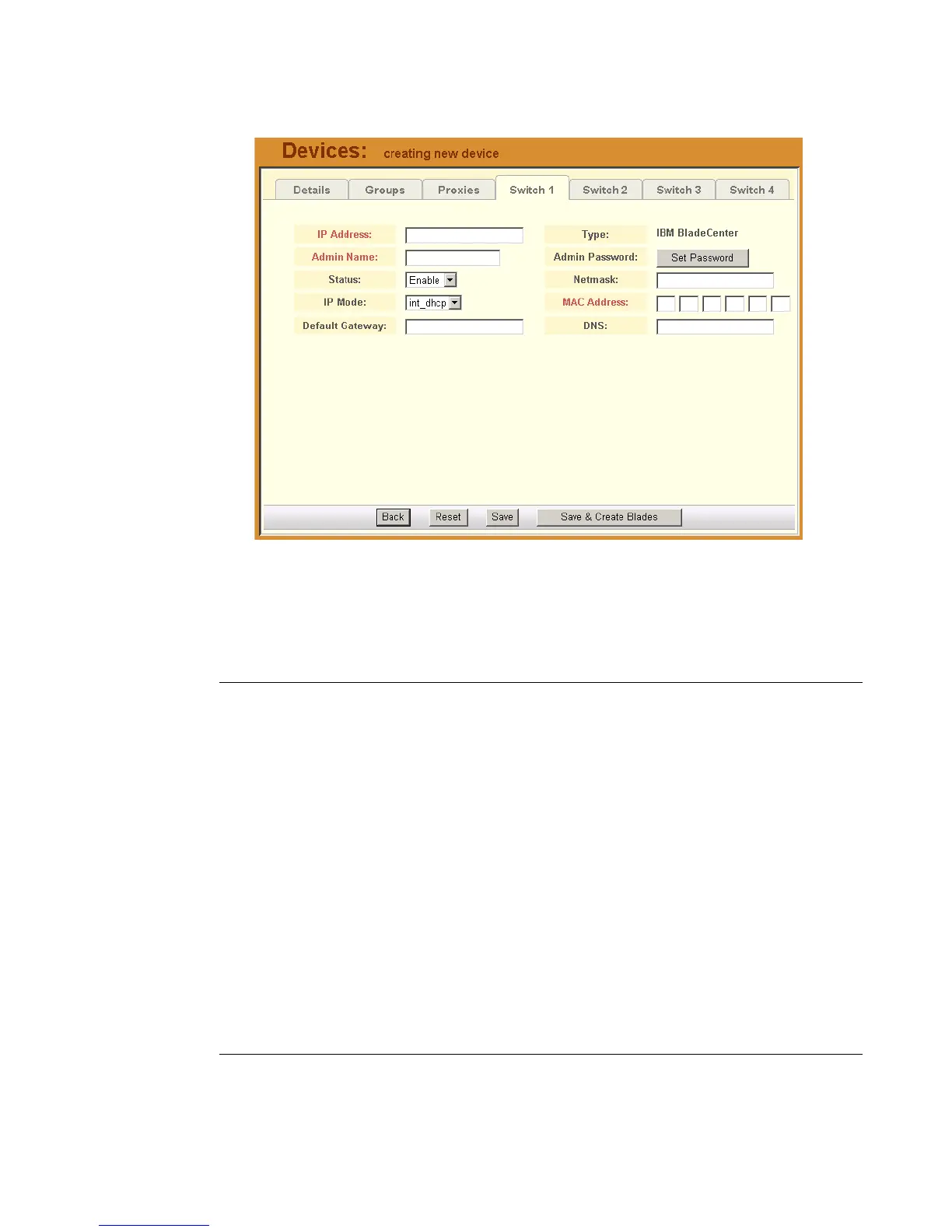
The system displays the Devices - Switch 1 tabbed form:
2. Complete the Switch 1 form, as necessary.
Table 4-5: Devices, Switch 1 Form - Fields and Elements
Fieldname Definition
Switch 1 (tab) Currently selected tabbed form.
IP Address The IP address of the chassis module using IP
mode: int_dhcp or static.
Type The symbolic name linked to the chassis
switch. IBM Blade Center is the only supported
type of chassis.
Admin Name The admin username (superuser) of the device.
Admin Password Button to invoke a dialog box used to define the
Admin’s password. This password is used to
access the IBM Blade Center port, but NOT to
change the password. You must enter the
SAME password registered in the blade server.



 To Next Page