Two Methods of Blade Configuration
AlterPath BladeManager Manual 4-33
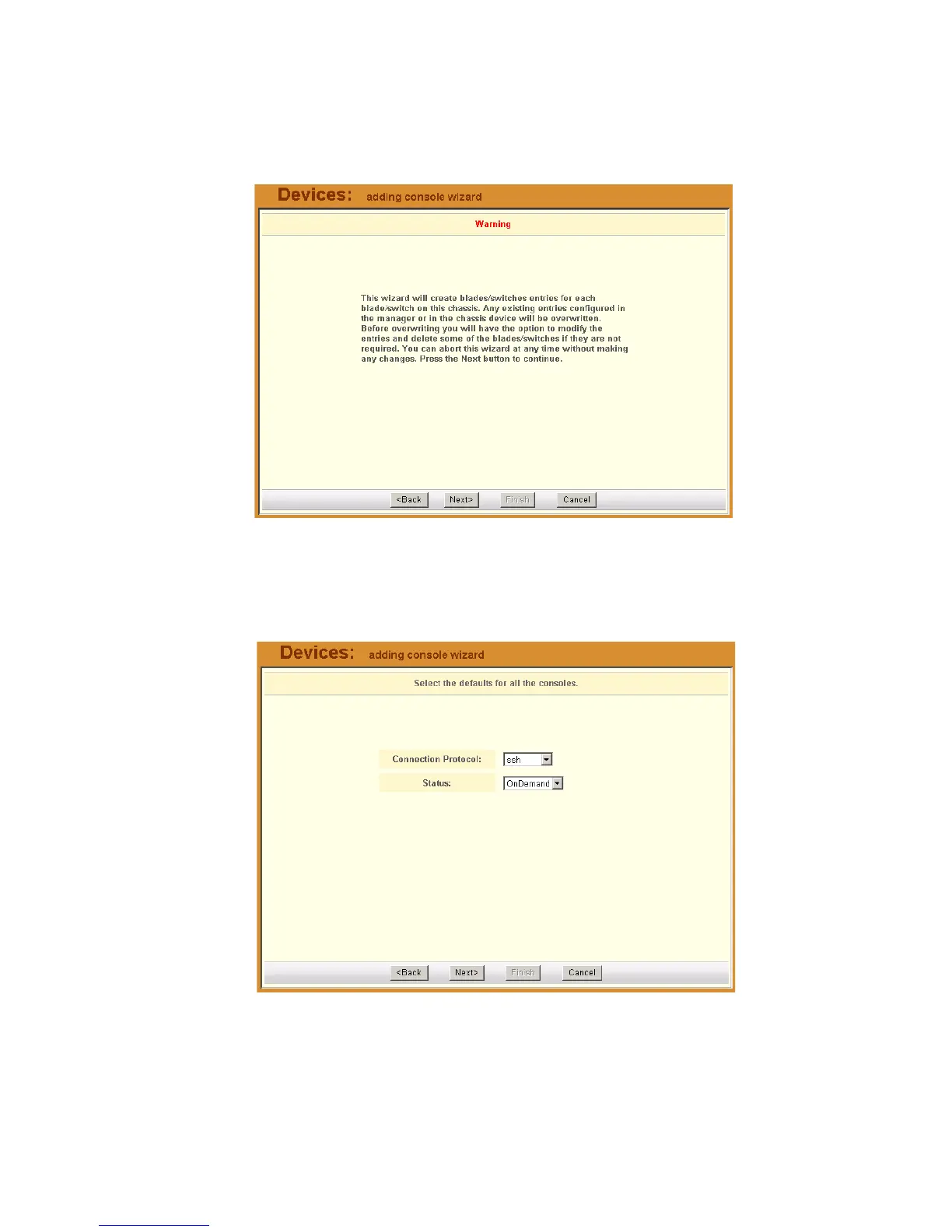
1. Warning Message: The Console Wizard begins with a warning message
to notify you of any data to be overwritten and the choices you have
before going ahead with the wizard.
Note: Use the Back, Next, and Cancel buttons to navigate through the
forms. Pressing the Next button saves your current form settings.
2. Connection Method:
Select the Connection Protocol and Status, and then click on Next.
Note: The default Connection Protocol is Telnet.



 To Next Page