2: BladeManager Installation
2-14 AlterPath BladeManager Manual
with error correcting code (ECC) DIMMs. These DIMMs must be
compatible with the latest PC2700 and PC3200 SDRAM unbuffered
DIMM specification.
• When you restart your server, the system displays a message indicating
that the memory configuration has changed.
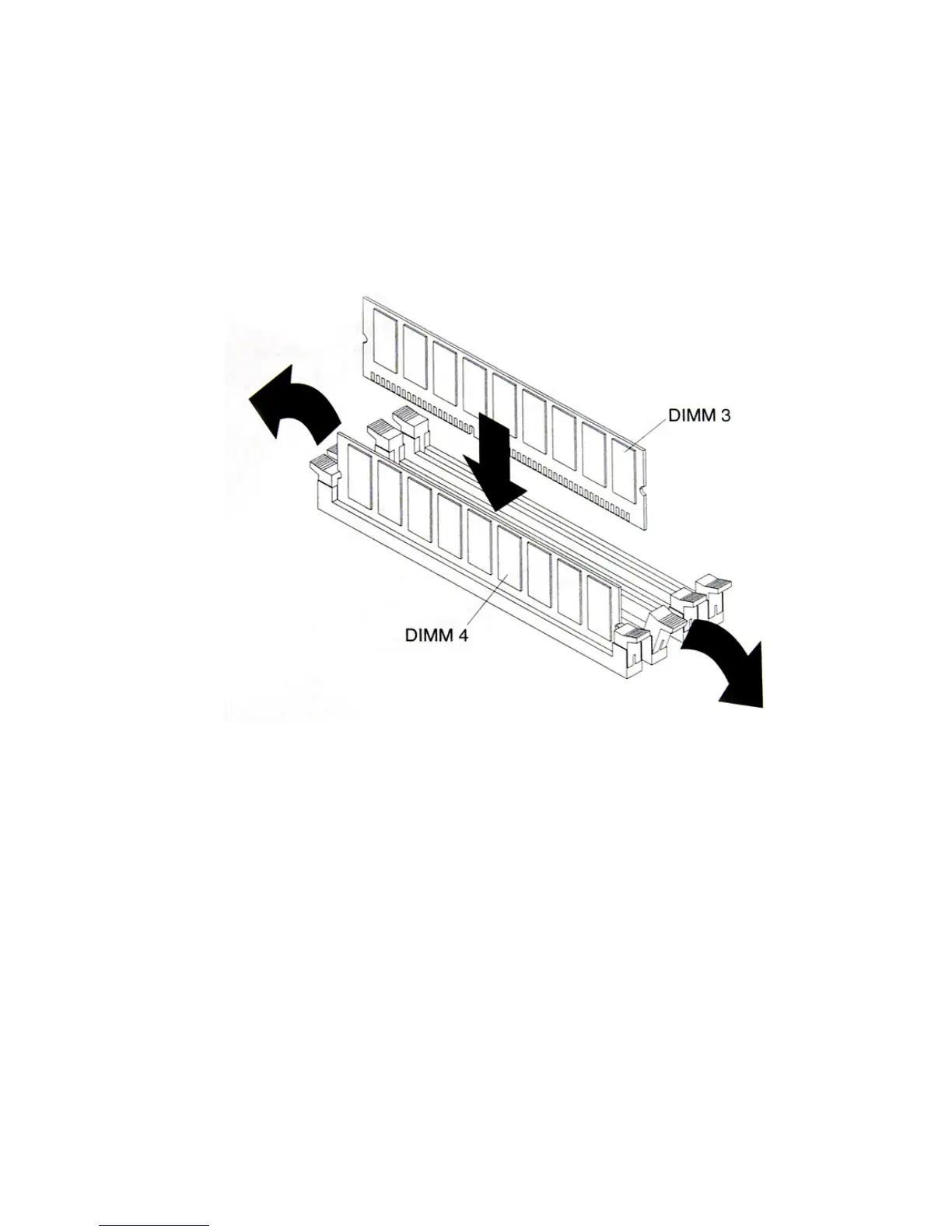
To install a DIMM, complete the following procedure:
1. Review the preceding installation guidelines.
2. Switch off the server and peripheral devices, and disconnect the power
cord and all external cables.
3. Remove the Cover.
Caution: To avoid breaking the retaining clips or damaging the DIMM
connectors, open and lose the clips gently.
4. Open the retaining clip on each side of the DIMM connector.
5. Touch the static-protective package containing the DIMM to any
unpainted metal surface on the server. Then, remove the DIMM from the
package.



 To Next Page