BladeManager Controls, LEDs, and Power
AlterPath BladeManager Manual 2-25
Rear View
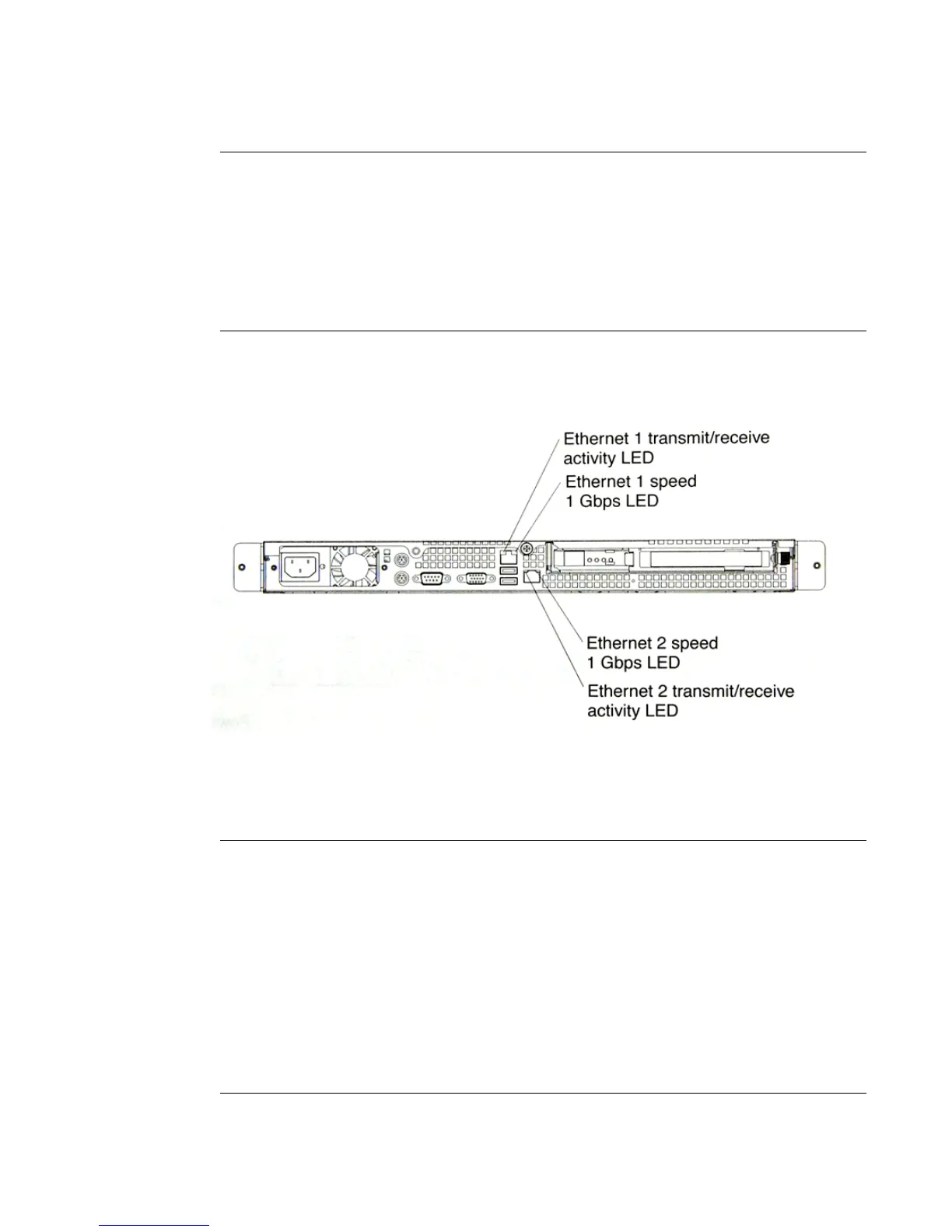
The diagram below shows the LEDs on the rear of the BladeManager.
Power-control button Press this button to switch the server ON
and OFF manually.
Reset button Press this button to reset the server and
run the power on self-test (POST). You
might have to use a pen or the end of a
straightened paper clip to press the button.
Rear LEDs Function
Ethernet 1 transmit/receive
activity LED
This LED is on the Ethernet connector.
When lit, it indicates that there is activity
between the BladeManager and the
network.
Ethernet 1 speed 1 Gbps LED This LED is on the Ethernet connector.
When lit, it indicates that the Ethernet
network speed is 1 Gbps. When off, it
indicates that the Ethernet network speed
is 10 Mbps or 1000 Mbps.
Front LEDs/Buttons Function



 To Next Page