User Interface Overview
AlterPath BladeManager Manual 3-3
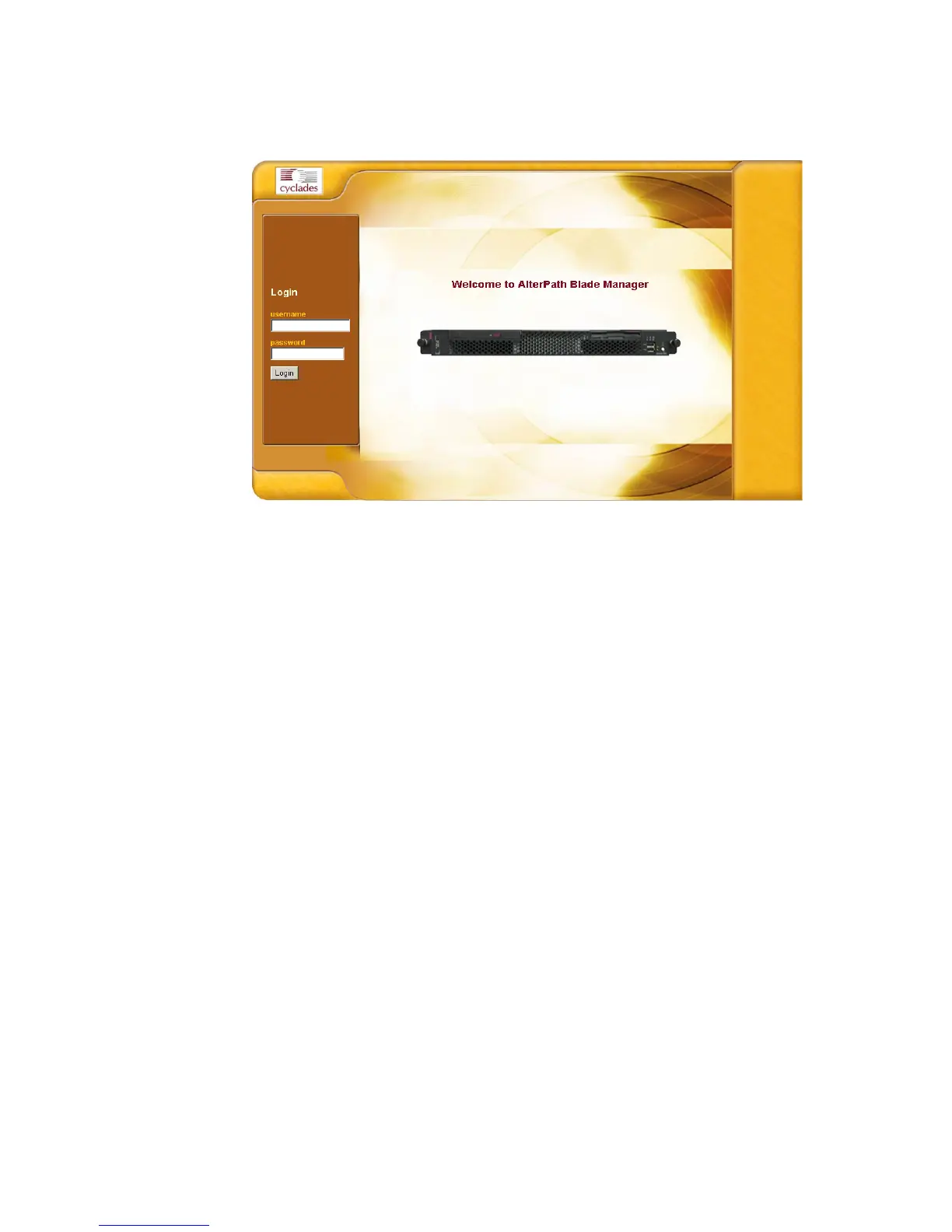
2. When the Login screen appears, enter your user name and password as
provided by your system administrator.
3. Select the Login button.
Upon successful login, the Alarms form appears.
Note: The first time BladeManager launches your application screens, the
process will be slow. Once the screens are cached, subsequent retrieval
of screens should be fast.



 To Next Page