3: BladeManager Web Access
3-12 AlterPath BladeManager Manual
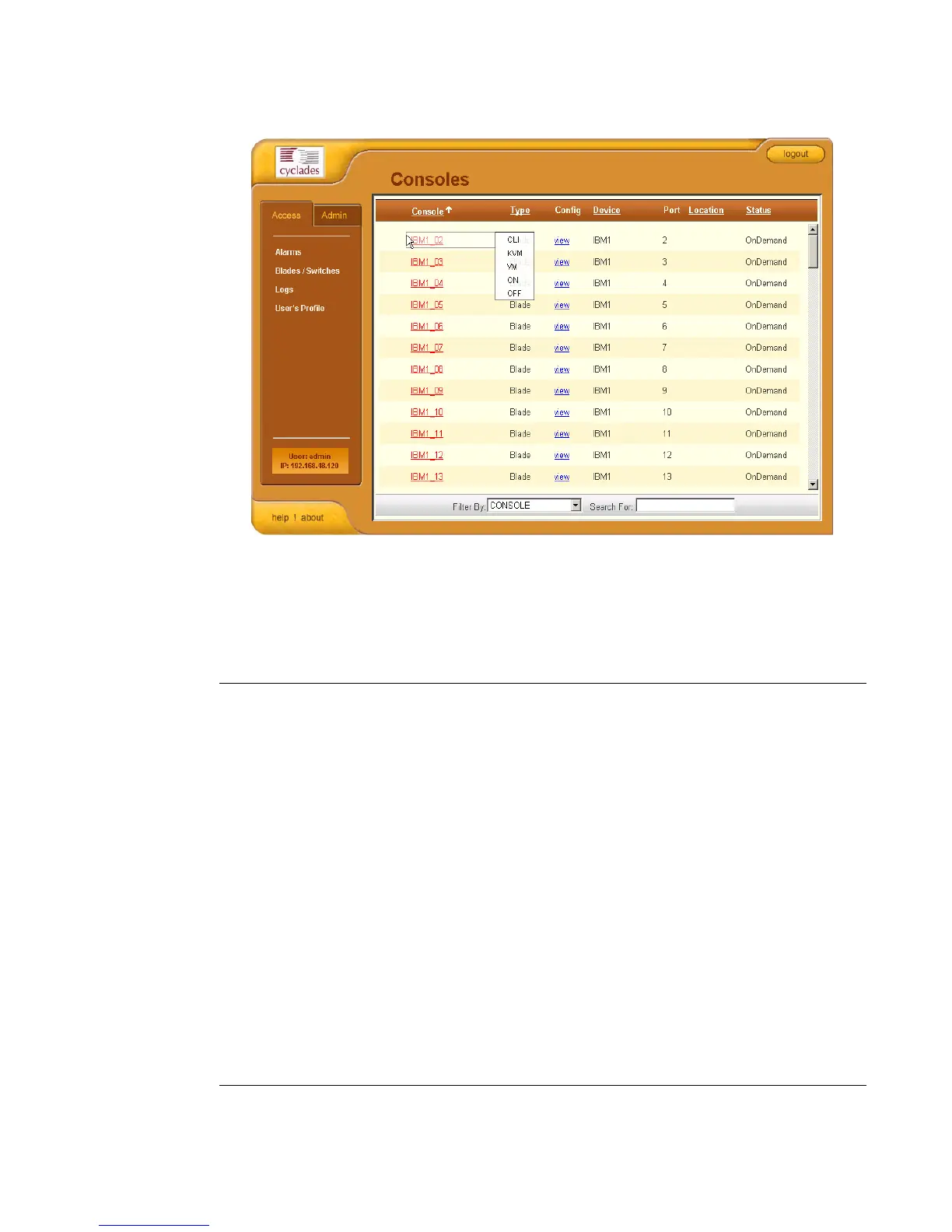
The Blade List form appears.
Table 3-3: Form Fields and Elements
Column or Button
Name
Definition
Blade Blade or switch name. Place your mouse cursor
over the Blade name to select connection type
(CLI, KVM, VM, ON, OFF).
Type The type of blade as defined in the Blade Detail
form.
Config For each line, select view to open the Blade
Detail form of the selected console.
Chassis Chassis used by the blade.
Port Port number used by the blade.
Location Location of the blade.
Status Operating status (Enabled, Disabled,
OnDemand) of the blade.



 To Next Page