10 of 35Fly6 PRO User Guide |
2. Home screen
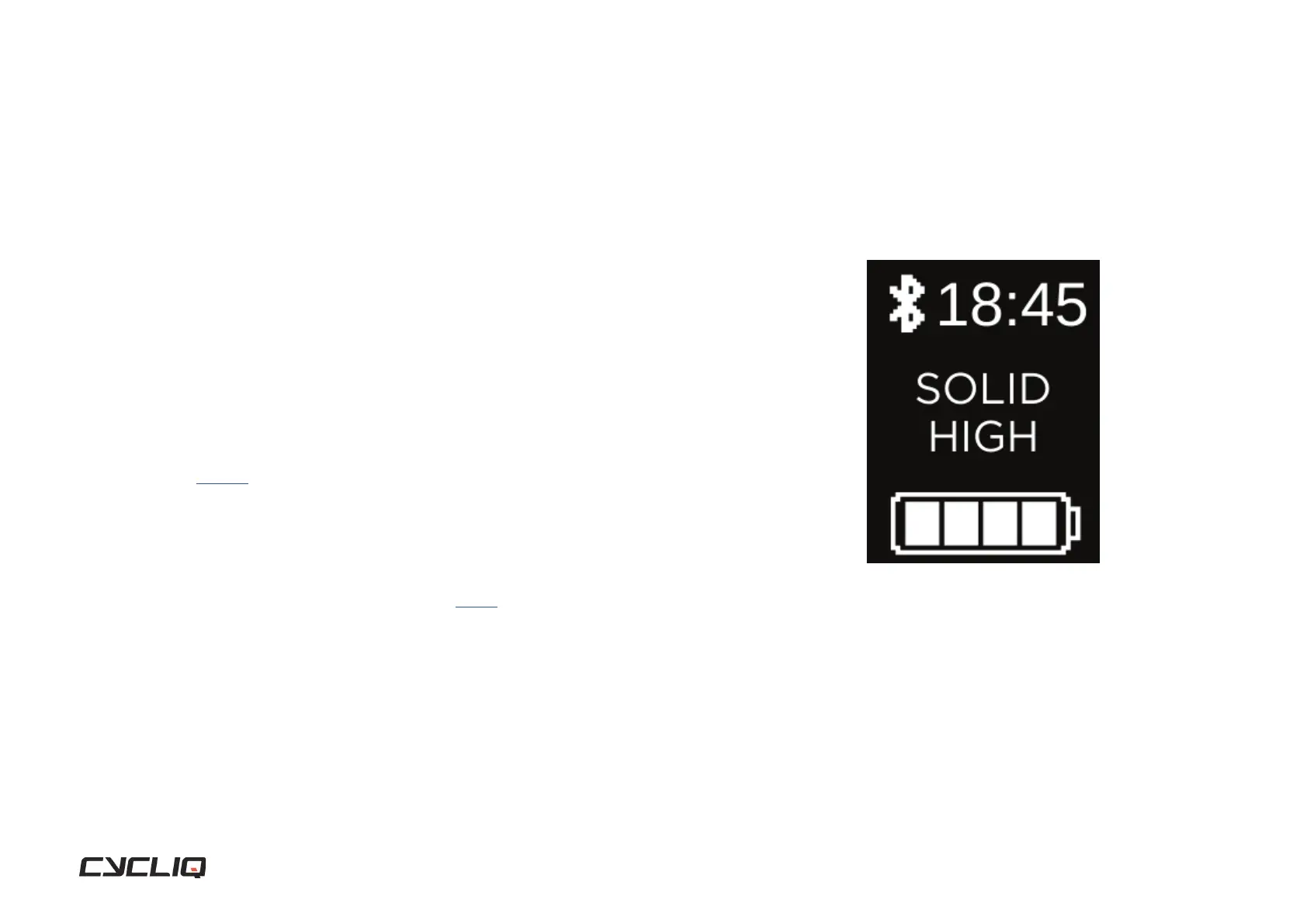
The home screen is the default display on your Fly6 PRO. When turning on
the Fly6 PRO the home screen will be displayed. The screen will also default
back to the home screen 30 seconds after any activity.
Bluetooth status
The Bluetooth icon is shown when a Bluetooth connection is established with
the Fly6 PRO.
Time
The time on the Fly6 PRO can be adjusted via CycliqPlus. See section on changing
your time setting on page 28.
Light mode
The current active light mode is displayed on the home screen. To toggle
available light modes press the power button and the new light mode will be
shown on the home screen. See section on light modes on page 8.
Battery Status
4 bars = 75% to 100% charged
3 bars = 50% to <75% charged
2 bars = 25% to <50% charged
1 bar = 1% to <25% charged
Display Screen



 To Next Page