15 of 35Fly6 PRO User Guide |
8. Other screens
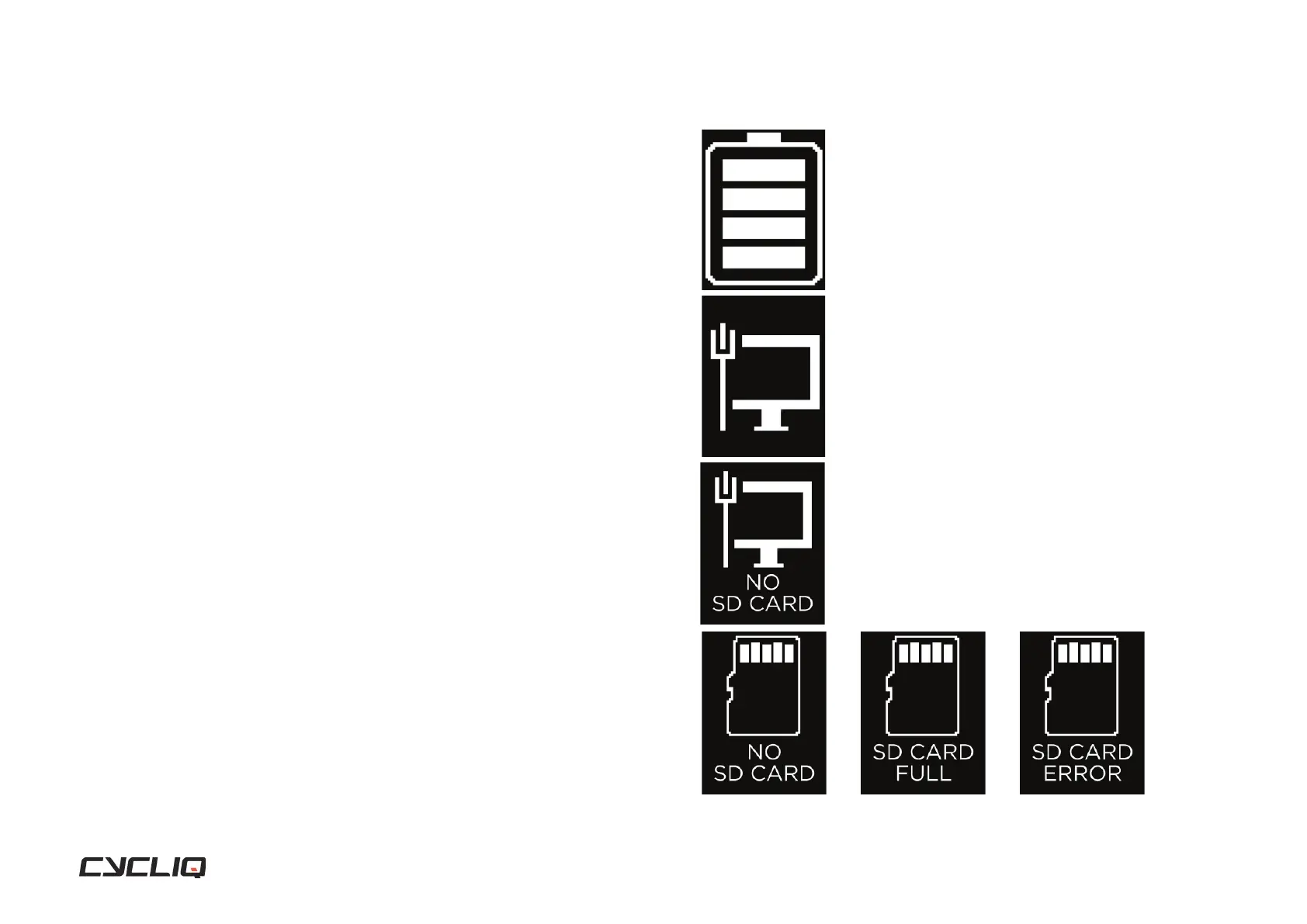
Charging
Displayed when the Fly6 PRO is powered off and connected to a power
source. Each bar represents 25% battery life.
4 bars = 75% to 100% charged
3 bars = 50% to <75% charged
2 bars = 25% to <50% charged
1 bar = 1% to <25% charged
Mass Storage
Shown when your Fly6 PRO has a microSD card installed and is connected to
a desktop.
Mass Storage with no microSD card
Shown when you Fly6 PRO has NO microSD card installed and is connected
to a desktop.
SD card errors
Will fl ash on the display when turning on your Fly6 PRO if any issues are
detected.
Display Screen



 To Next Page