13 of 35Fly6 PRO User Guide |
5. Factory reset
To reset your Fly6 PRO
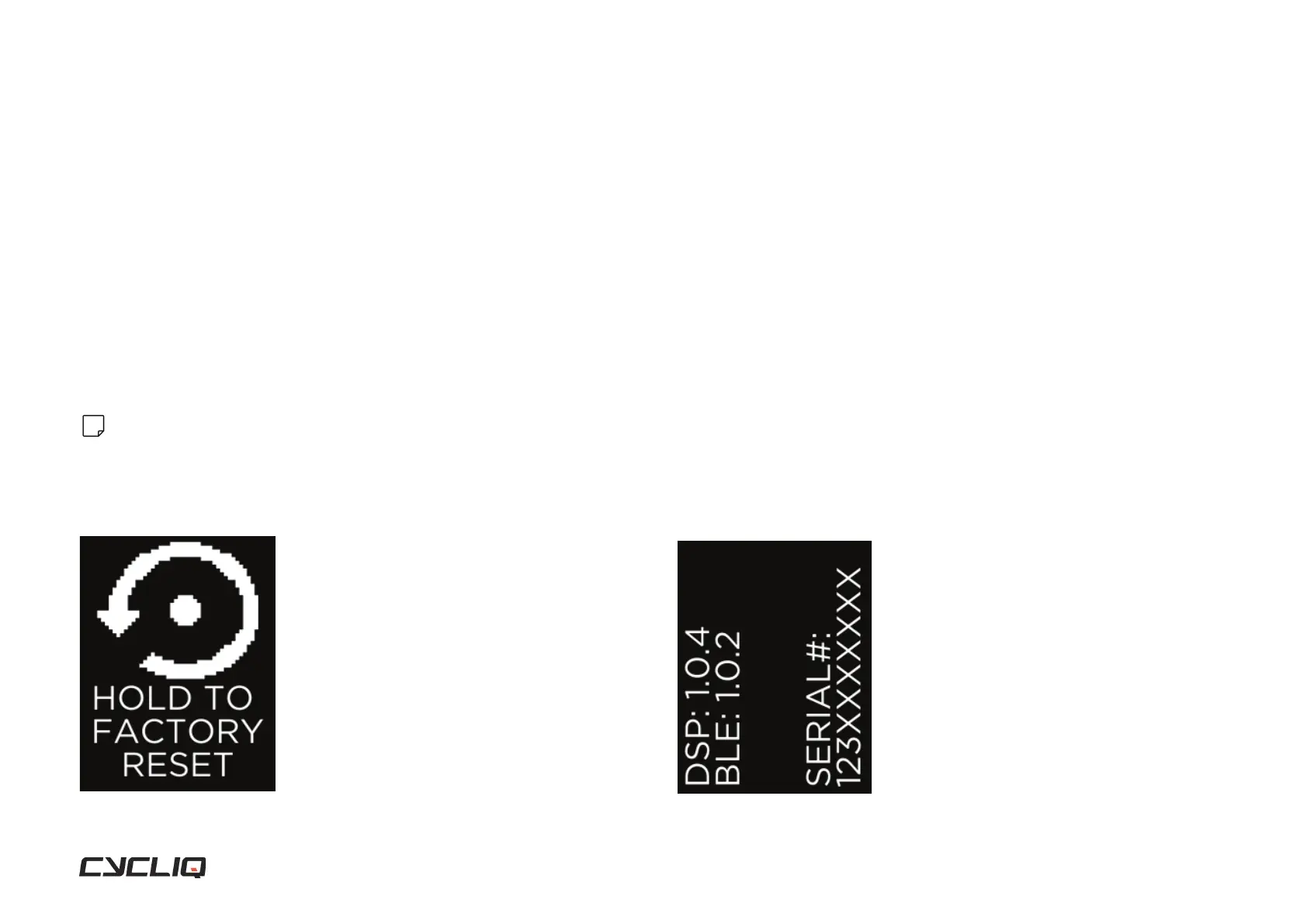
To reset your Fly6 PRO back to factory default settings press and hold the
function button. A ve second countdown will appear - continue to hold
the function button during the countdown and release the button when the
Fly6 PRO turns off. The Fly6 PRO will then turn itself back on and the reset is
complete.
Note
Resetting your Fly6 PRO back to factory settings will reset the light mode by default to organic
and the camera mode to 1440p @30fps.
Display Screen
6. Information screen
Allows you to view the rmware version installed on your Fly6 PRO and
your serial number.



 To Next Page