11 of 35Fly6 PRO User Guide |
3. Screen On/Off
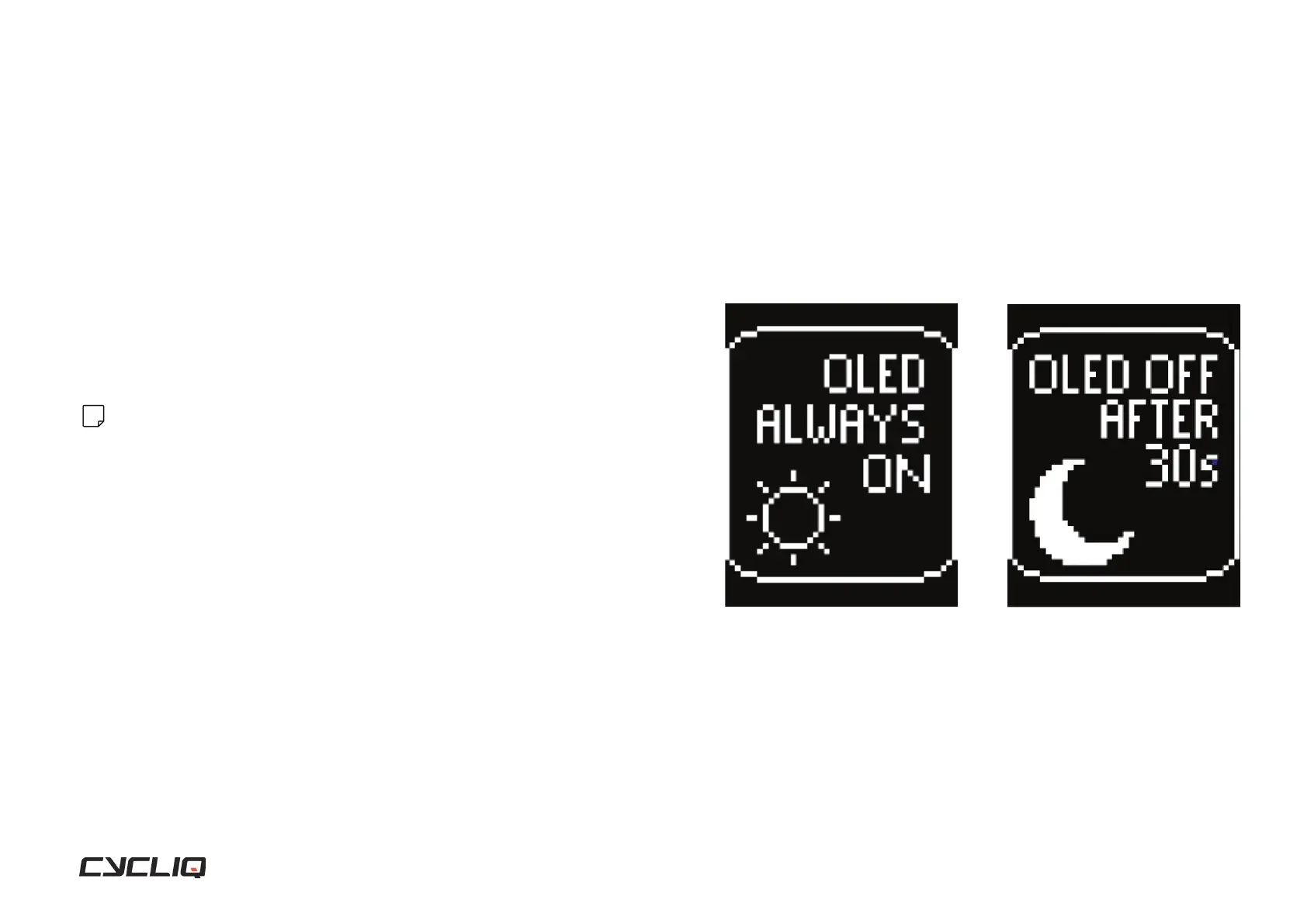
By default, the OLED screen of your Fly6 PRO is set to turn off after 30 seconds
of inactivity.
Changing settings
To set your OLED screen of your Fly6 PRO to always on, press and hold the
function button (for approximately 3 seconds).
Note
To wake up your Fly6 PRO from inactivity, press any button.
Display Screen
1. Always On
2. Off After 30 Seconds



 To Next Page