12 of 35Fly6 PRO User Guide |
4. SD card formatting
Caution
Please note formatting your microSD card will permanently remove all
previously recorded incidents - including any previously locked les.
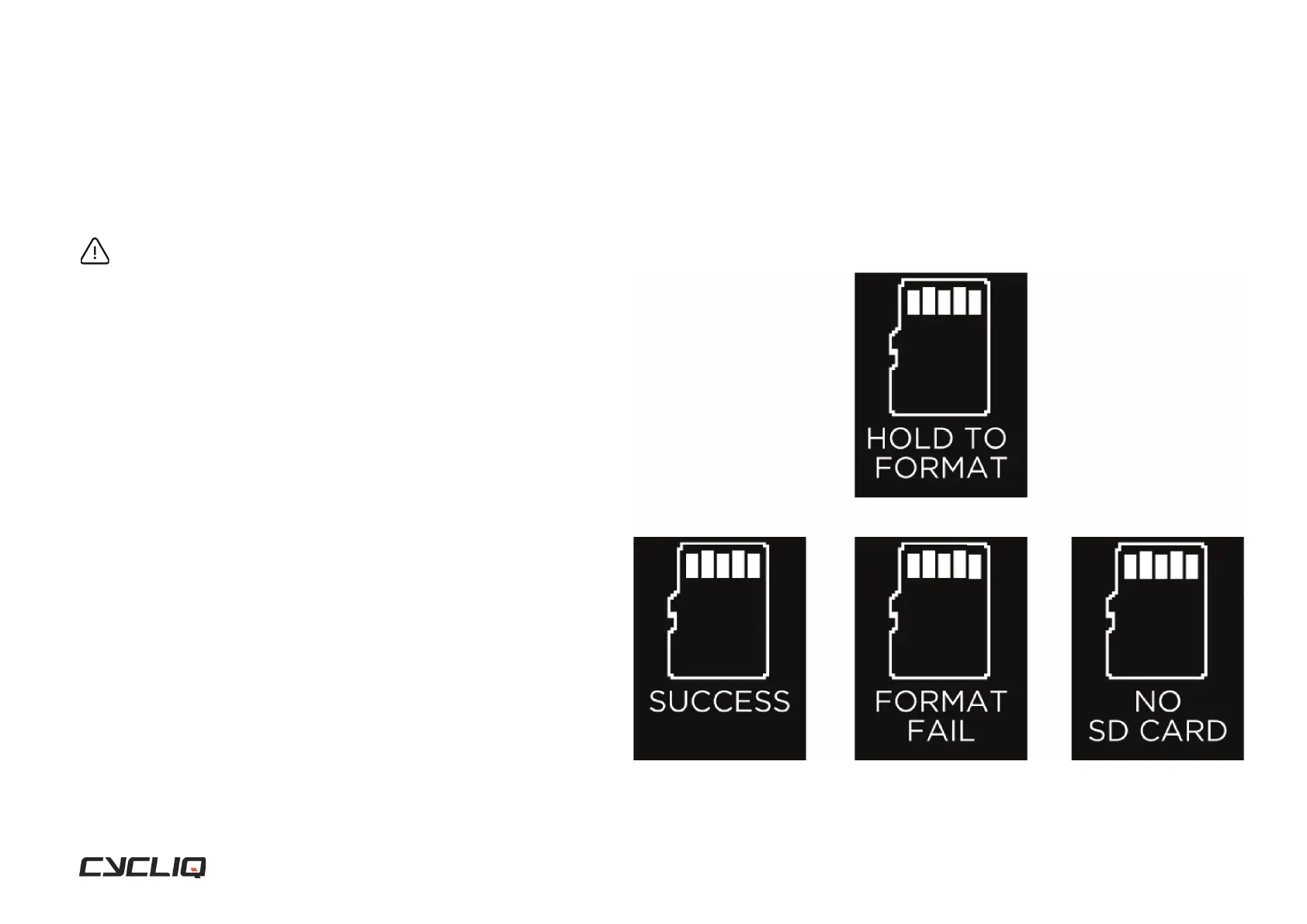
Formatting your microSD card
To format your microSD card, press and hold the function button until a ve
second countdown appears. Continue to hold the function button during the
countdown until the success message is shown, then release the function
button.
Success
When your microSD card is formatted correctly, this screen will be shown for
two seconds, before returning to the home screen.
Format fail
This screen will be shown if your microSD card can not be formatted. This
could be due to a corrupt or damaged microSD card.
No SD card
If there is no microSD card installed, or it is not correctly installed this screen
will be shown.
Display Screen



 To Next Page