9 of 35Fly6 PRO User Guide |
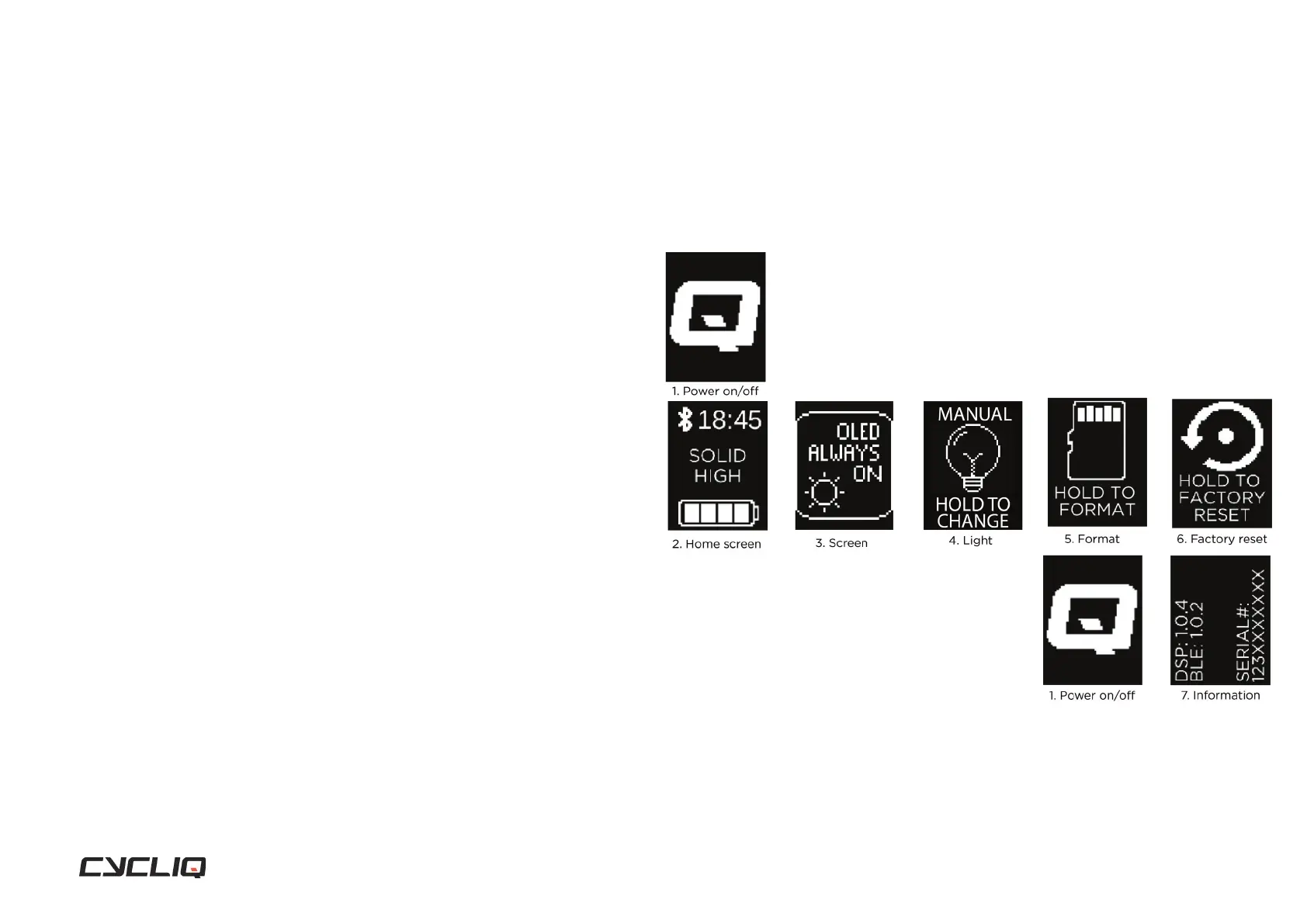
Getting to know the display screen on your Fly6 PRO
The display screen on the back of the Fly6 PRO allows you to control many
features and functions with ease. The main functions of the display screen
can be toggled by pressing the function button.
1. Power on / off
2. Home screen
3. OLED screen
4. Light mode
5. SD card formatting
6. Factory reset
7. Information
1. Power on/off
Powering on your Fly6 PRO
Press and hold the power button until the power on chime is heard. The
power level ‘beeps’ will sound indicating the battery status and the Cycliq Q
logo will be displayed on the screen.
Powering off your Fly6 PRO
Press and hold the power button until the power off chime is heard. The OLED
display screen will show the Cycliq Q logo before powering off.
Display Screen



 To Next Page