Cygnus 4 Operating Manual
34
• Units
• Resolution
• Velocity of sound
• Calibration
• Deep Coat
Changing Numeric Values using the Navigation Keys
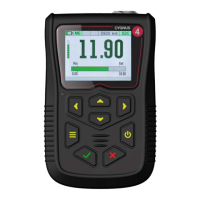
Some menu functions require the user to input a numeric value
using the navigation keys. This is done ‘digit’ as a time, using the
Left and Right keys to select the digit, then the Up and Down keys
to change the highlighted digits value.
The units digit is highlighted.
Pressing Up or Down will change
the units value only.
Pressing the Left key will move
the highlight to the tens digit.
Pressing Up or Down will change
Pressing the Left key will move
the highlight to the hundreds
digit. Pressing Up or Down will
Pressing the Left key will move
the highlight to the thousands
digit. Pressing Up or Down will


 To Next Page