96D-Link DIR-890L User Manual
Section 4 - SharePort
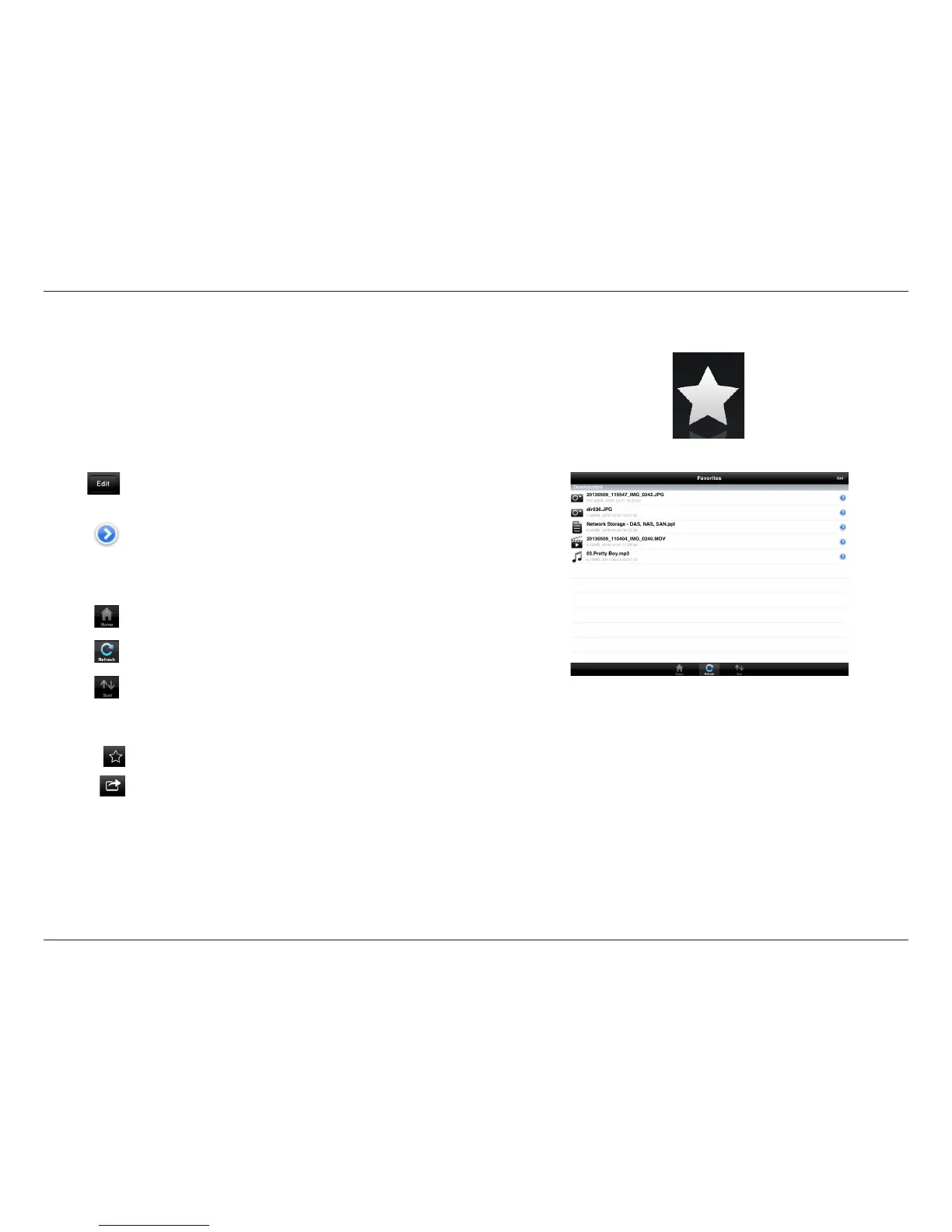
Favorites
The Favorites section allows you to quickly access your most frequently
used les, no matter what le type, in a special section. Files added to the
Favorites section will be copied here for playback in a centralized location.
Tap Edit to mark les for deletion from the local storage in Favorites.
The le will still be accessible in other mydlink SharePort sections.
Tapping the arrow icon gives you additional options depending on
the le type.
The bottom menu bar includes these options:
Tap on a le to start the le viewer. In the viewer:
Tap to add/remove the le from your Favorites.
Tap to bring up additional options.
Note: The le options available will vary depending on the le type.
Tap Home to go back to the main menu.
Tap Refresh to update the list of les.
Tap Sort to reorder the les alphabetically.



 To Next Page