116D-Link DIR-890L User Manual
Section 4 - SharePort
The SharePort Mobile app allows you to conveniently stream media and share les stored on a USB drive connected to your
router. Connect from a local network to access your photos, videos, music, and documents. You can upload les and photos
from your mobile device to your router’s USB drive via the app wirelessly!
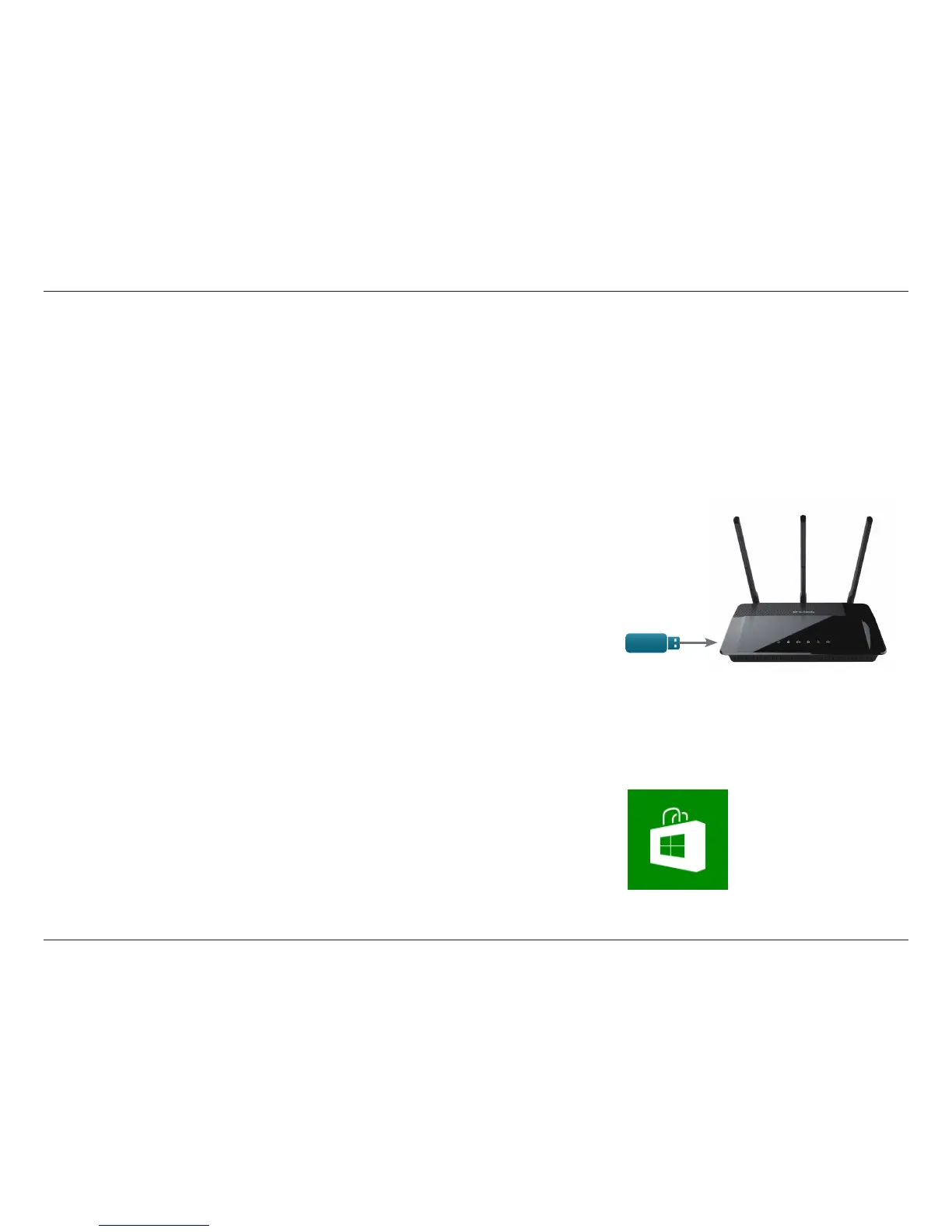
1. Make sure the DIR-890L is powered on. Then plug your USB drive into
the USB port on the back of your router.
Note: If you connect a USB drive that contains numerous large les, it may take a while
for the router to scan and catalog all of your les.
2. Use your Windows 8/RT mobile device to search for the free SharePort
Mobile app from the Windows Store.
Using SharePort Mobile for Windows® 8/RT
USB drive



 To Next Page