124D-Link DIR-890L User Manual
Section 4 - SharePort
Music
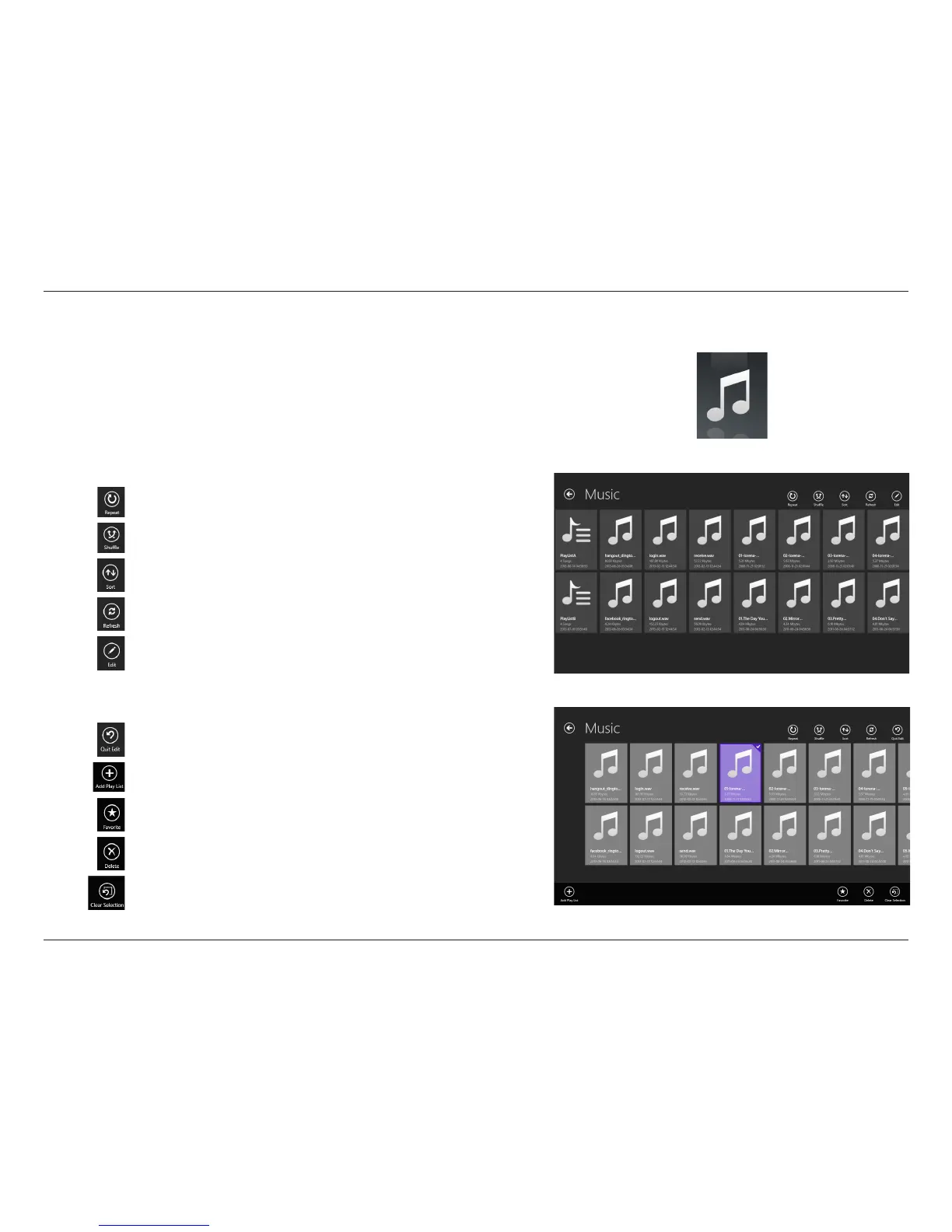
The Music section allows you to stream songs from your DIR-890L to your
mobile device. Tap the music icon on the main menu to browse your music
collection stored on your USB drive.
In the music browser, tap a le to play it with the music player.
Tap Repeat to repeat one or all songs.
Tap Shue to enable/disable shue mode.
Tap Sort to sort les by....
Tap Refresh to refresh the list of les.
Tap Edit to add le to Favorite or delete the le. (See list below.)
Tap Edit and select one or more les for the following options:
Tap Quit Edit to leave the editing screen.
Tap Add Play List to add selected songs to a new playlist.
Tap Favorite to add the le to Favorite and download it to your
local device.
Tap Delete to delete the selected le or les.
Tap Clear Selection to deselect all selected les.



 To Next Page