104D-Link DIR-890L User Manual
Section 4 - SharePort
Pictures
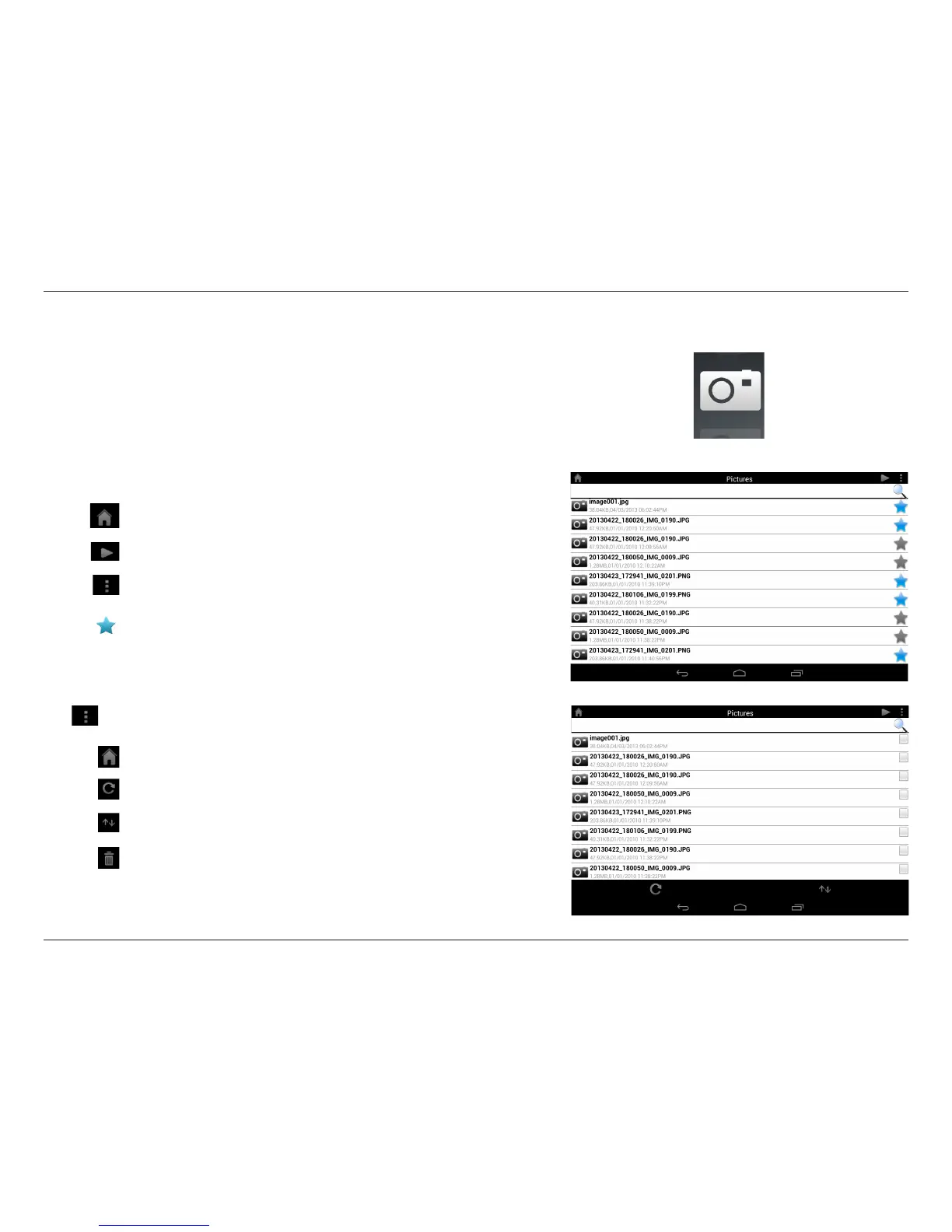
The Pictures section allows you to view images streamed from your
DIR-890L to your mobile device. Tap the camera icon on the main menu
to browse your photo collection on your removable storage.
Type in the name of a le to search for it.
Tap the icon to return to the main menu.
Tap the icon to start a slideshow.
Tap the icon to refresh, sort, or mark les for deletion.
Tap the star icon next to each le to download it to your device and
add it into your Favorites section.
Search Bar:
Tap the icon to return to the main menu.
Tap the icon to update the list of les.
Tap the icon to sort the les by name, size, type, or date.
Tap the check box to check a le, then tap the trash icon to delete it.
Tap for additional options:



 To Next Page