130D-Link DIR-890L User Manual
Section 4 - SharePort
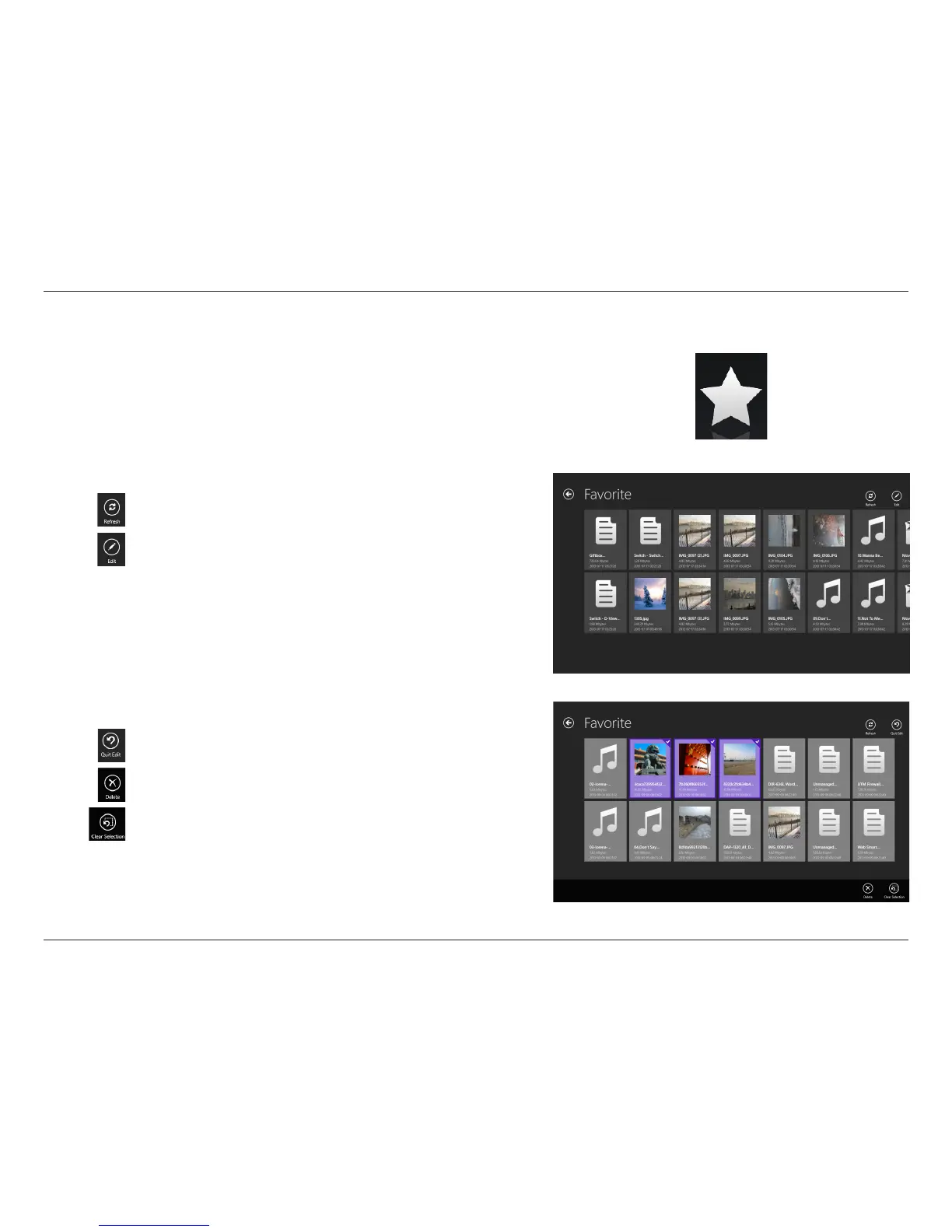
Favorite
The Favorite section allows you to quickly access your most frequently
used les, no matter what le type, in a special central location.
In the Favorite browser, tap the le to open it.
Tap Refresh to refresh the list of les.
Tap Edit to to add le to Favorite or delete the le. (See list below.)
Tap Edit and select a le for the following options:
Tap Quit Edit to leave the editing screen.
Tap Delete to delete the selected le or les.
Tap Clear Selection to deselect all selected les.



 To Next Page