31D-Link DSL-226 User Manual
Section 4 - Conguration
Internet - ADSL
ADSL is one of the rst home broadband technologies introduced. ADSL uses
the DSL port on your DSL-226 to connect to the Internet. In order for your
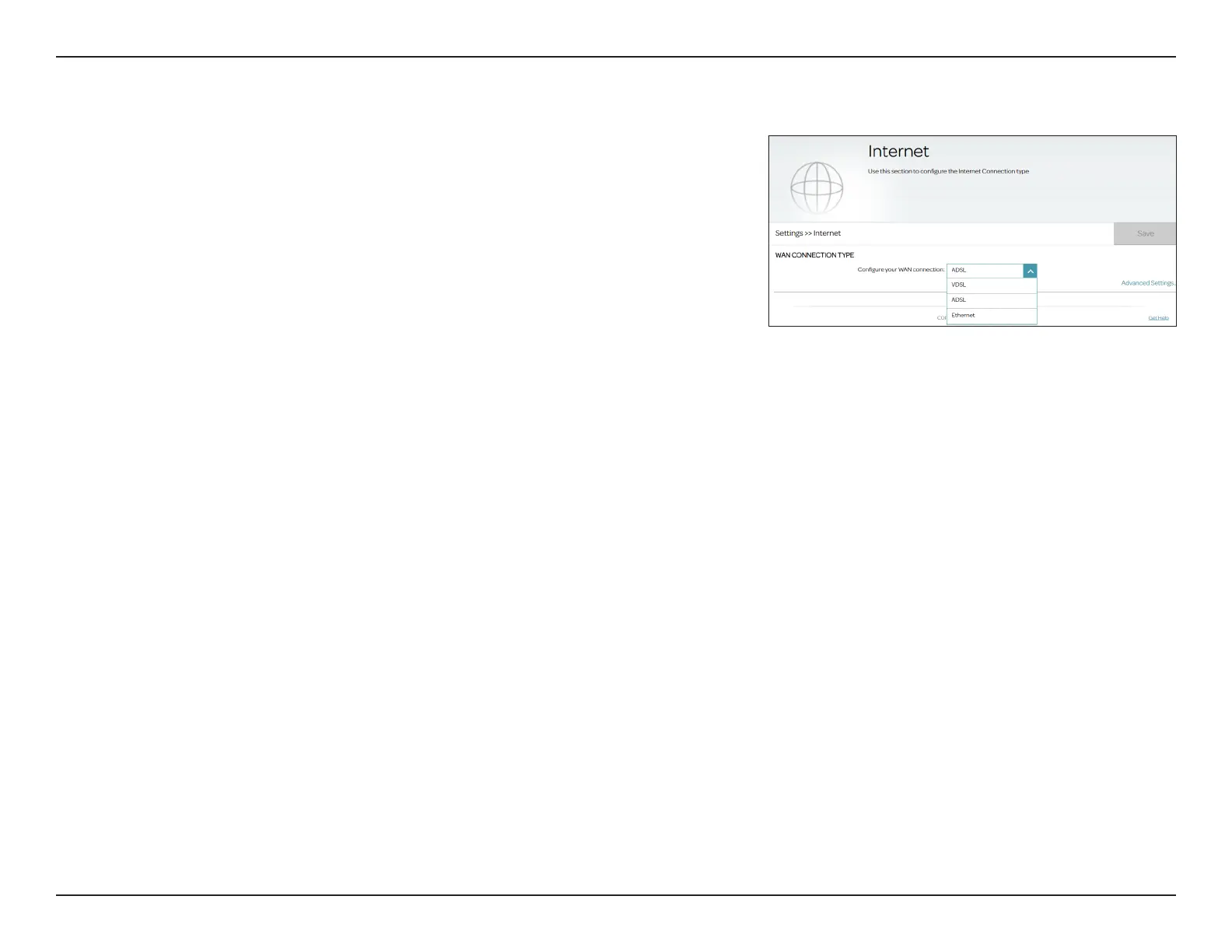
DSL-226 to use ADSL, you must congure the WAN Connection Type and
related WAN settings.
WAN Connection Type
Congure your
WAN connection:
Select ADSL to congure ADSL connection settings.
ADSL VC Settings
Interface:
Select a conguration interface for this virtual circuit. The system
supports up to 8 PVCs.
Enable Virtual
Circuit:
Enable this option to congure Virtual Circuit information.
VPI:
Enter the Virtual Path Indicator (0 - 255). It is used to identify the path
for packet routing.
VCI:
Enter the Virtual Channel Indicator (32 - 65535). It is used to dene
the channel for packets transmission.
Service Category:
Select the service category which denes the transmission parameters
and performance: UBR, CBR, NRT-VBR, or RT-VBR.



 To Next Page