5D-Link DSL-226 User Manual
Section 1 - Product Overview
Hardware Overview
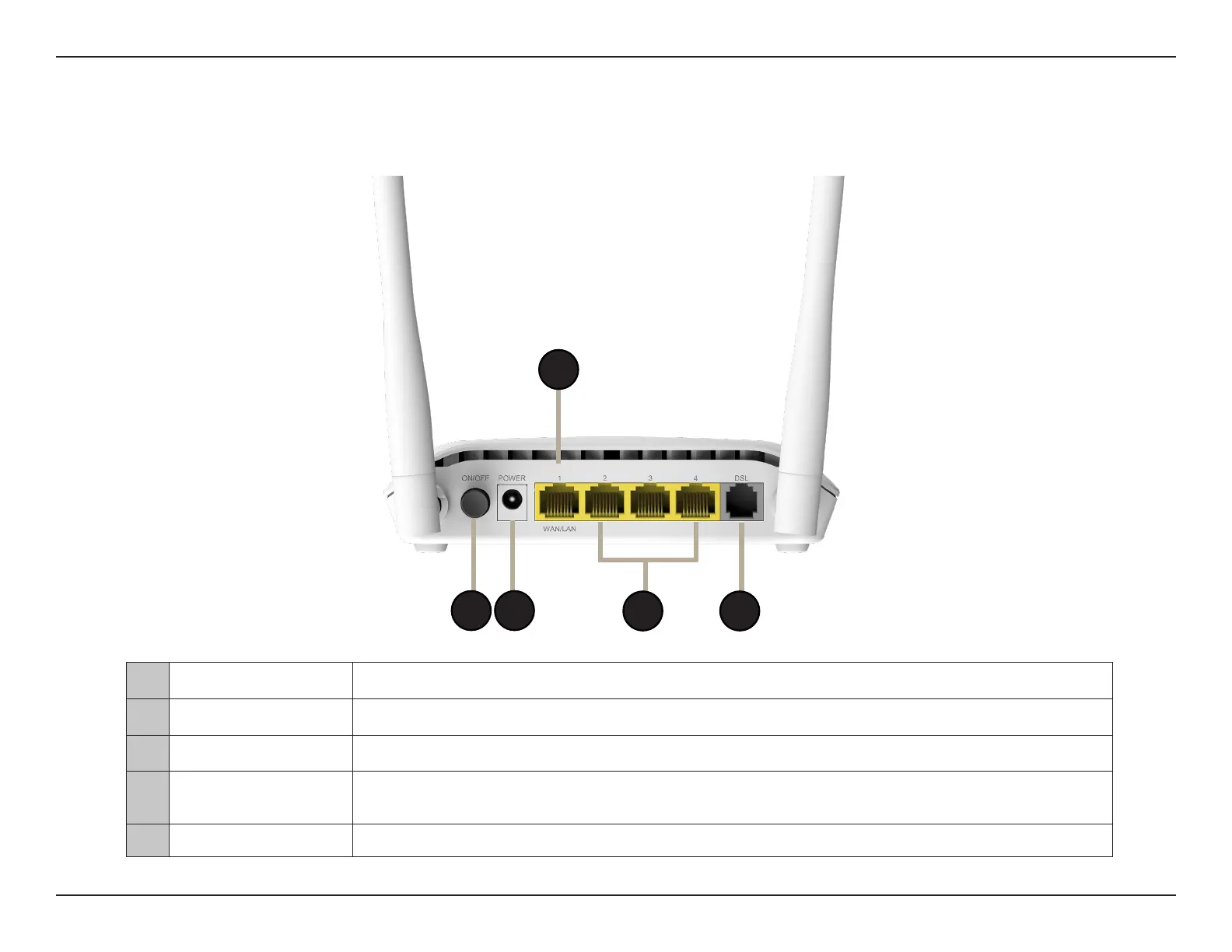
Back Panel
1
4
5
3
2
1 Power Button Power on/o switch.
2 Power Connector Connector for the supplied power adapter.
3 WAN/LAN (1) Port Connects to a DSL/cable modem or router or a local host at speeds of up to 100 Mbps.
4
Fast Ethernet Ports
(2-4)
Connects to Ethernet devices such as computers, switches, storage (NAS) devices and game
consoles at speeds of up to 100 Mbps.
5 DSL Port Connects to a DSL-enabled telephone line.



 To Next Page