66D-Link DSL-226 User Manual
Section 4 - Conguration
Port Forwarding
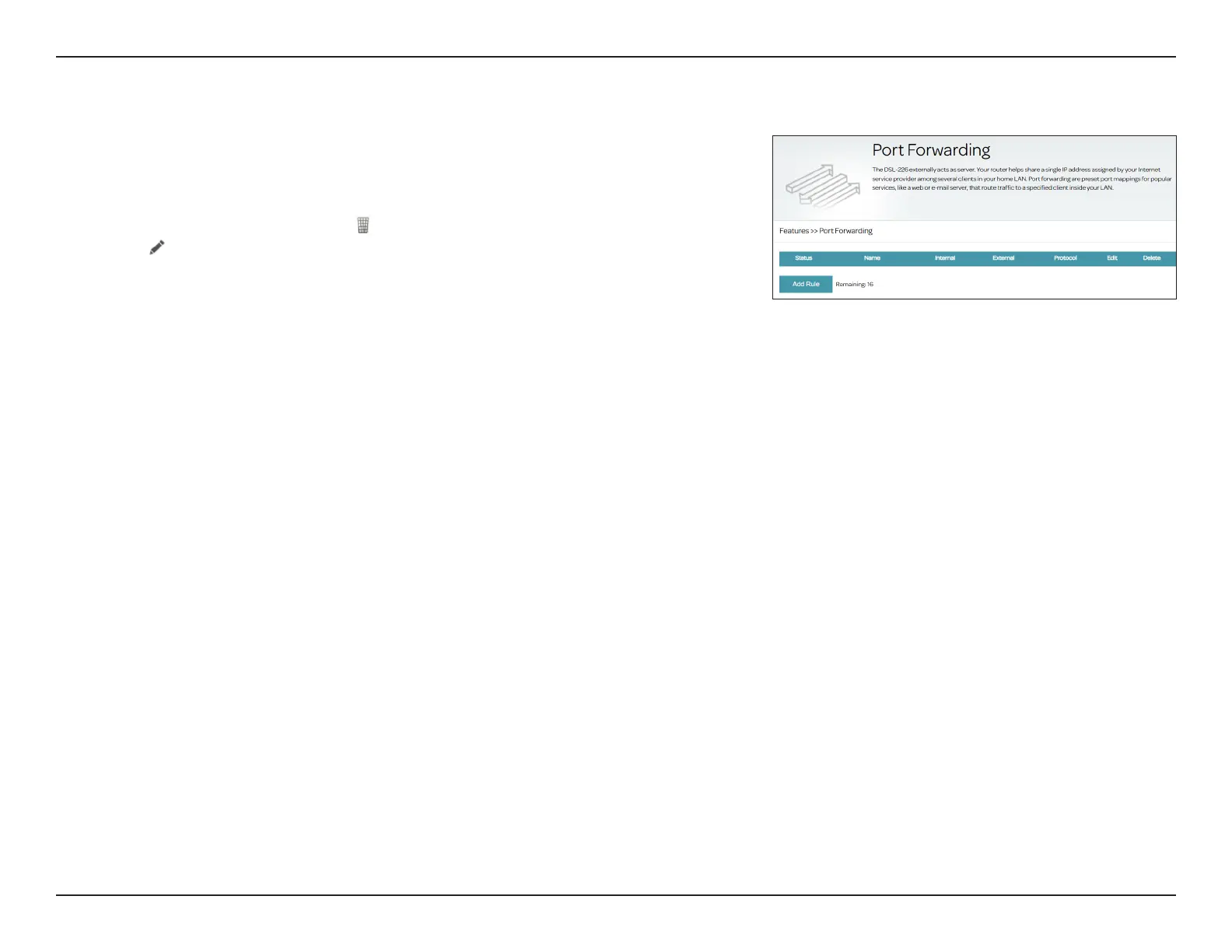
Port forwarding allows you to specify ports to open for specic devices on the
network. This might be necessary for certain applications to connect through
the router. To access this page, go to Features > Port Forwarding.
If you wish to remove a rule, click in the Delete column. If you wish to edit a
rule, click in the Edit column. If you wish to create a new rule, click the Add
Rule button. Click Save when you are done. If you edit or create a rule, the
following options will appear:
Port Forwarding Setup
Enable Rules:
Enable or disable the port forwarding rule.
Name:
Enter a name for this rule.
Internal Start/End
Port:
Enter the internal start/end port for this type of service.
External Start/End
Port:
Enter the external port for this type of service.
Internal Server IP:
Enter the IP address of the computer on your local network that should
receive the service requests.
Protocol Type:
Select TCP, UDP or both TCP/UDP. Refer to the documentation for
this service hosting on your internal computer.
Click Apply when you are done. After creating a port forwarding rule, you can
enable it or disable it. The Status column will reect its current enable/disable
status. A maximum of 16 rules can be dened.



 To Next Page
 Loading...










