73D-Link DSL-226 User Manual
Section 4 - Conguration
TR069
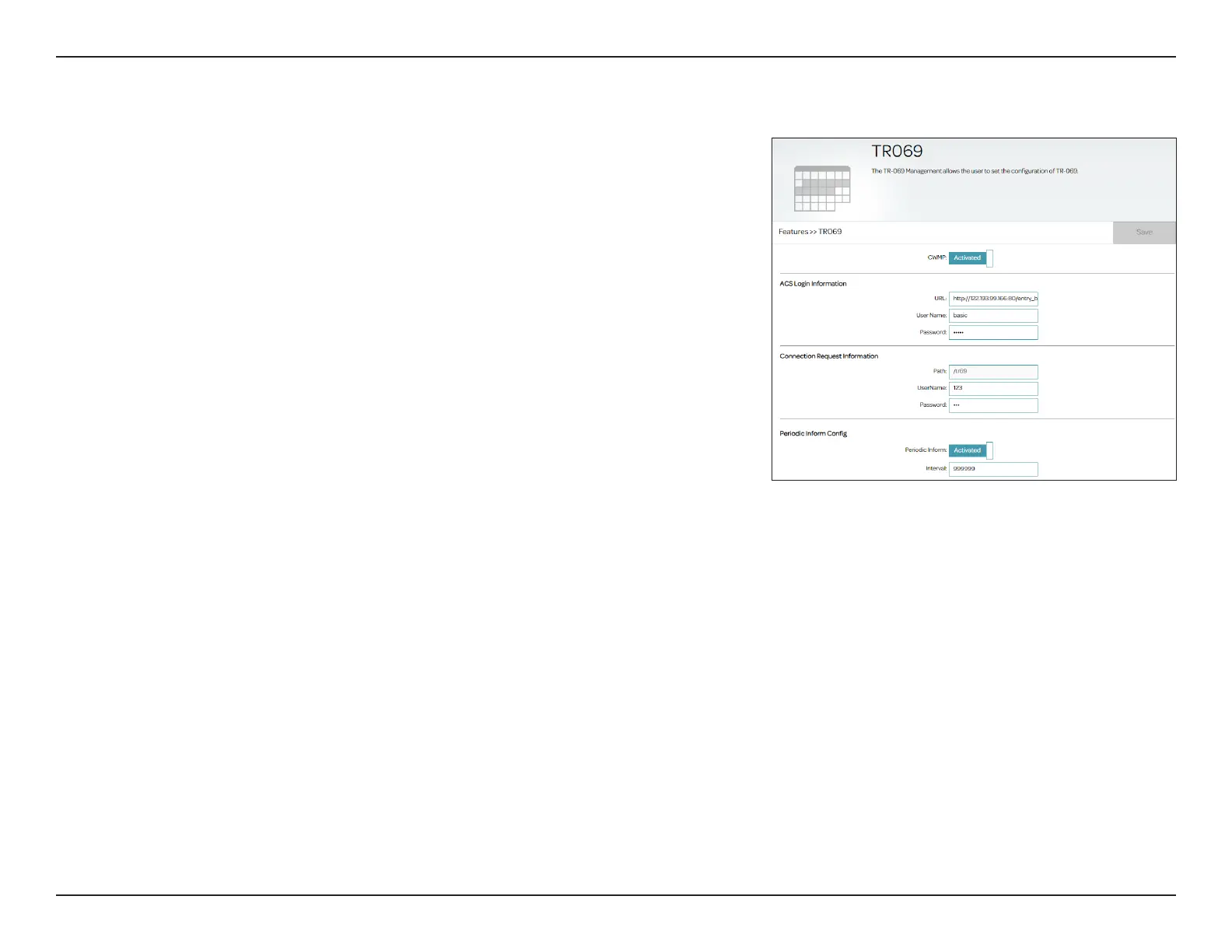
TR069 allows for automatic conguration between an auto-conguration
server (ACS) and your router. To access this page, go to Features > TR069.
Please check with your service provider, or leave the settings at their defaults
if you are not sure.
TR-069
CWMP:
Activate or deactivate CPE WAN Management Protocol (CWMP)
ACS Login Information
URL:
Specify the URL of the auto-conguration server (ACS), starting
with http://.
Username:
Enter the username to log in to the ACS remote server.
Password:
Enter the password to log in to the ACS remote server.
Connection Request Information
Connection
Request Path:
Specify the request path here.
Username:
Enter the username for connection request sent from the ACS remote
server to the router.
Password:
Enter the password for connection request sent from the ACS remote
server to the router.
Periodic Inform
Periodic Inform:
Activate or deactivate the periodic inform function.
Interval:
Specify the interval in seconds for each inform packet (1-999999).
The default is 5000.
Click Save when you are done.



 To Next Page