Web Configuration
D-Link DSL-2600U User Manual
17
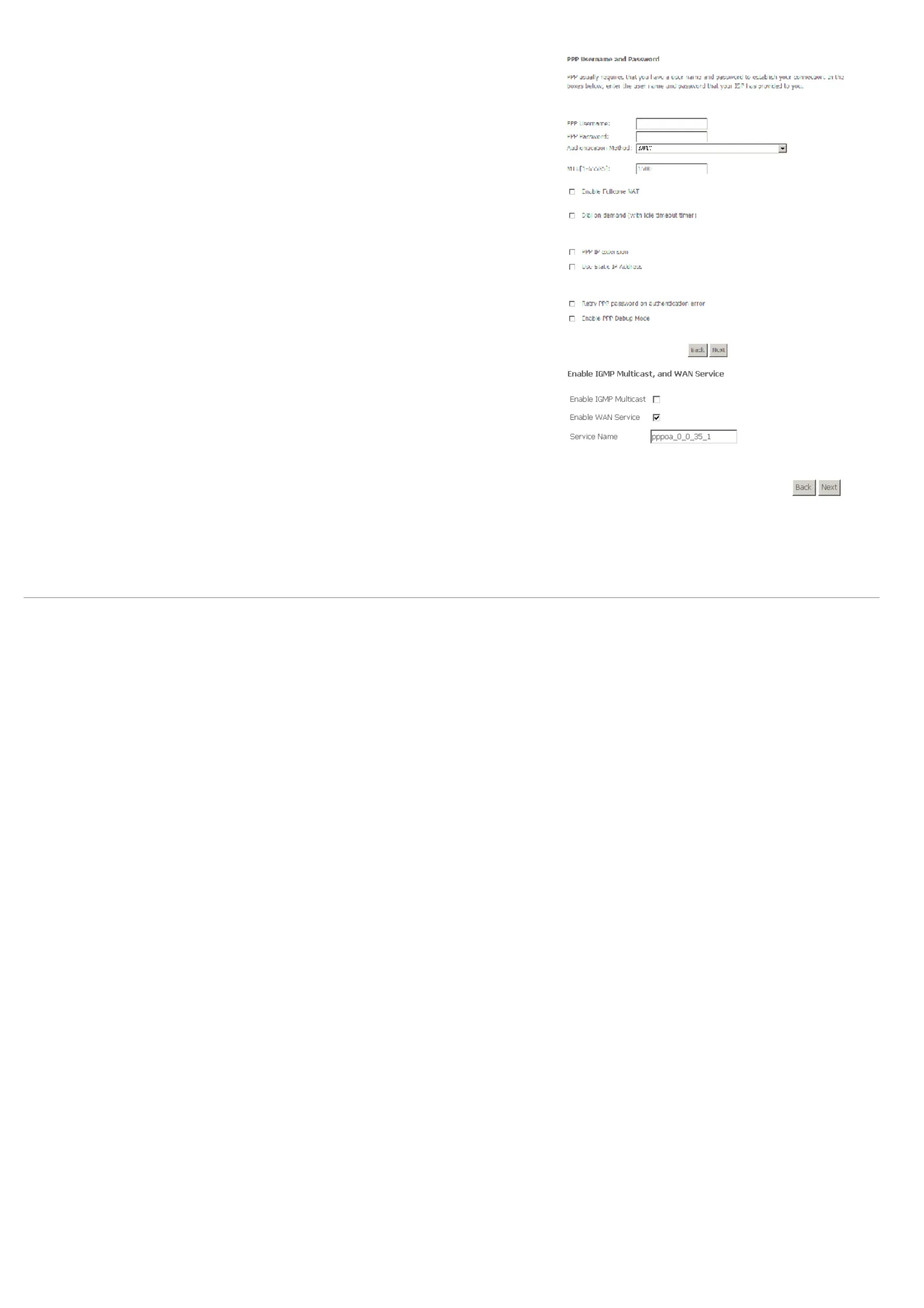
Step 7 Click Next and the PPP information configuration page appears.
Your ISP should provide you with the following information:
= PPP Username
= PPP Password
= Authentication Method
You can also select another service function as follows:
= Dial on demand (with idle timeout timer)
= PPP IP extension
= Use static IP address
= Retry PPP password on authentication error
= Enable PPP debug mode
Step 8 Click Next and the PPPoA IGMP and WAN function configuration page appears.
To use IGMP service on pppoa pvc, select the Enable IGMP Multicast check box.



 To Next Page
 Loading...












