11D-Link DSL-5300 User Manual
Section 2 - Installation
Ethernet Cable
DSL-5300
DSL-5300
Computer
Power Adapter
Computer
4
5
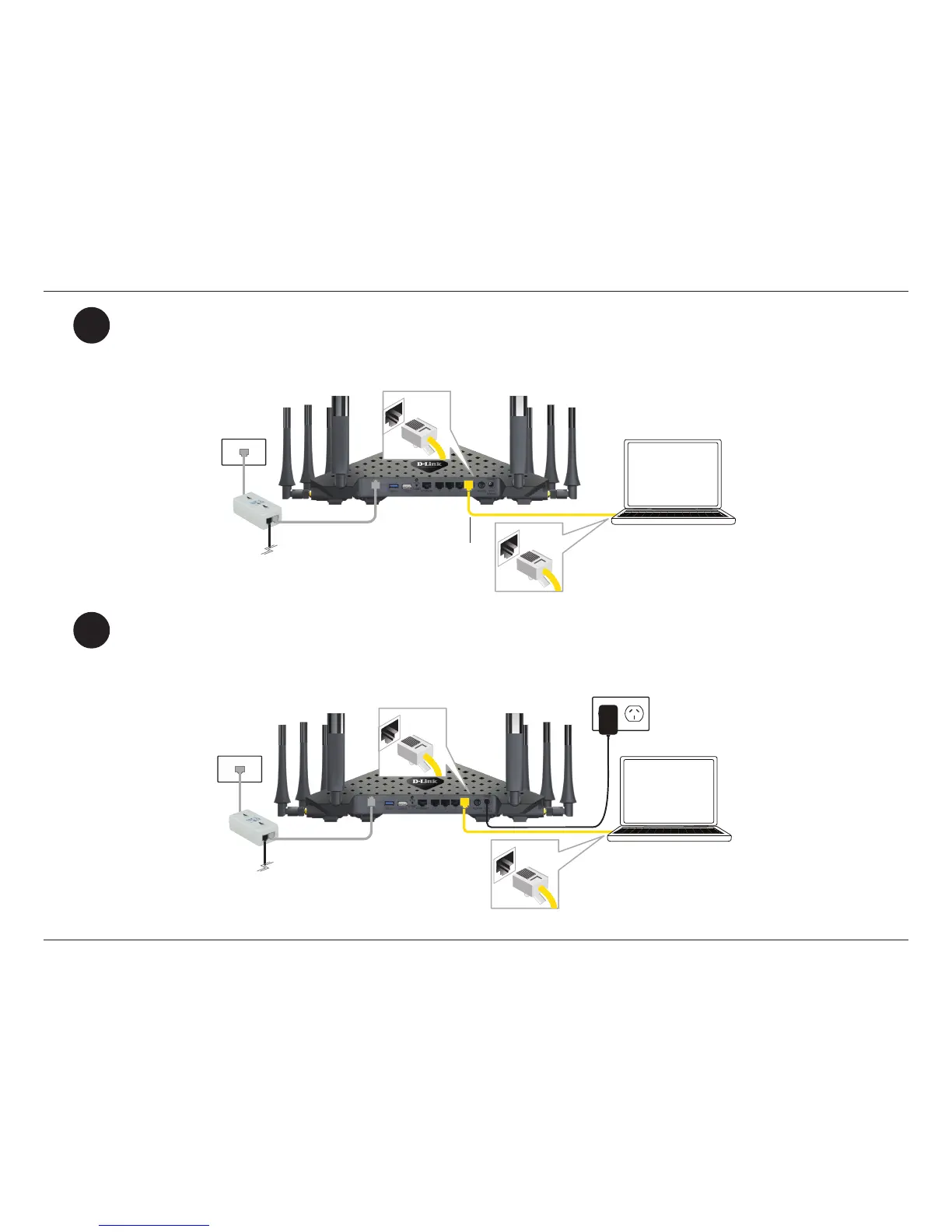
If you wish to use a wired connection, connect the Ethernet cable from a LAN port of the DSL-5300 to the
Ethernet port on your computer.
Plug the power adapter into your modem router and connect it to an available power outlet or
surge
protector.
Caution: - Use only the included power adapter with this product.



 To Next Page