12D-Link DSL-5300 User Manual
Section 2 - Installation
6
7
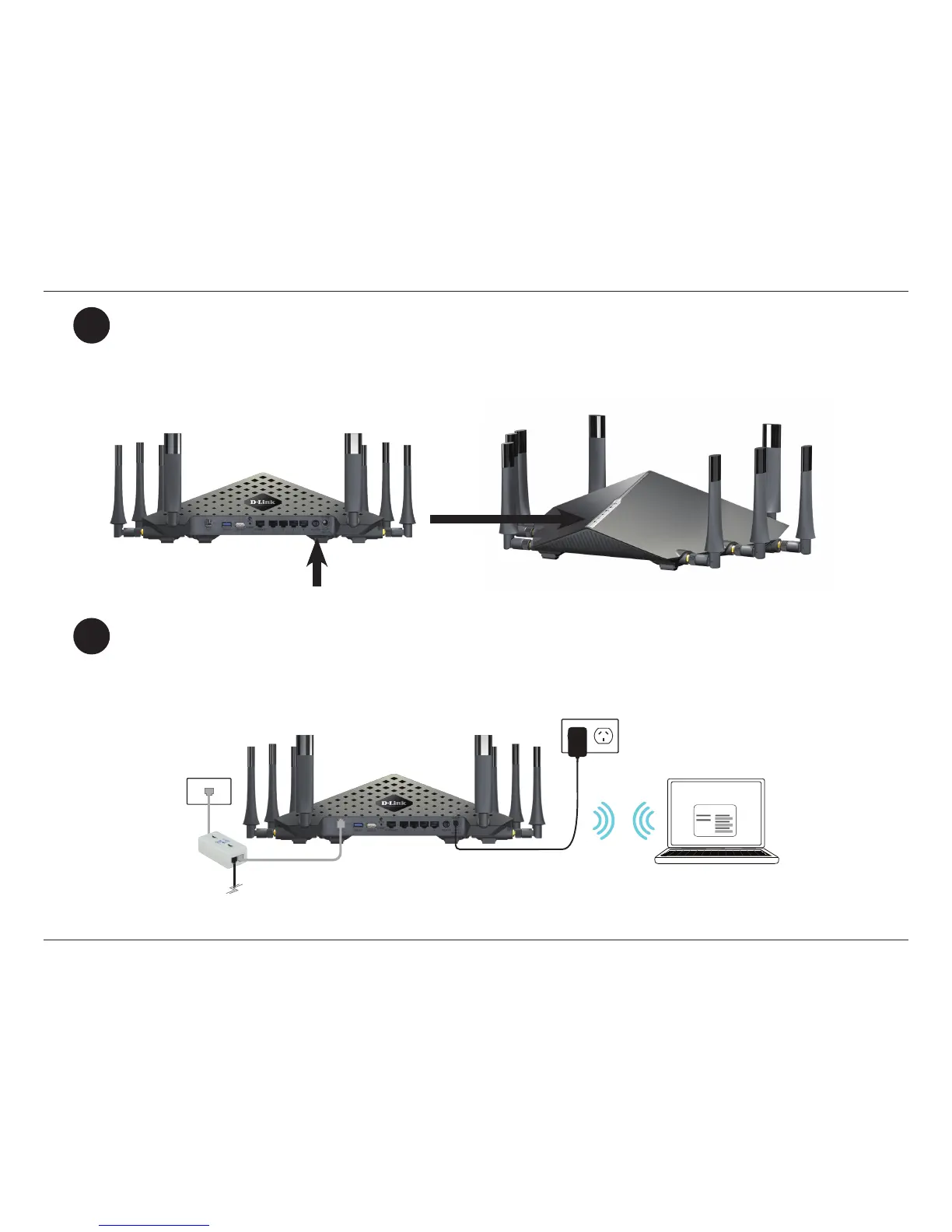
If connecting to the DSL-5300 wirelessly, access the wireless utility on your computer or mobile device. Scan
for available Wi-Fi networks (SSID). Select and join a Wi-Fi network and use the password corresponding to
the information on the supplied Wi-Fi Conguration Card.
Press the power button and verify that the power LED is lit. Allow 1 minute for the router to boot up.
Wi-Fi Conguration Note



 To Next Page