18D-Link DSL-5300 User Manual
Section 3 - Getting Started
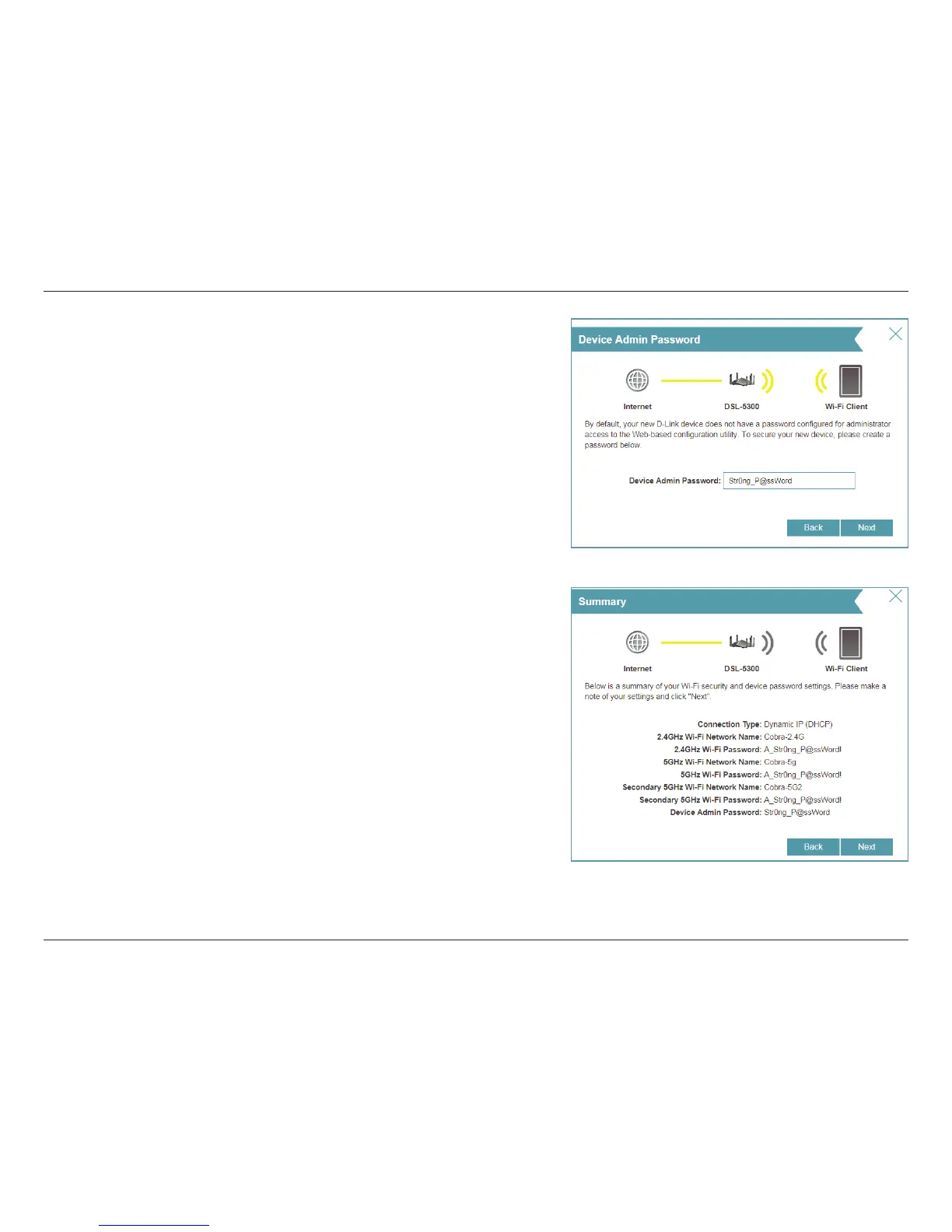
Enter a new administrator password. You will be prompted for this
password every time you want to use the router’s web conguration
utility. Click Next to continue.
The Summary window will display your settings. Click Next if you are
satised, or click Back to make changes to them.



 To Next Page