BROWSING PRESETS
Presets from Factory resource were described by Categories and Tags during the stage of its creaon. Categories and Tags are chosen
in such a way so as to describe the content in the best possible way, taking into account the plug-in purpose.
Edion of Categories and Tags in case of Factory content is not possible – it is blocked. User presets may be described only with
Categories and Tags from Factory content or, alternavely, the users may dene their addional Tags in order to describe their
own presets.
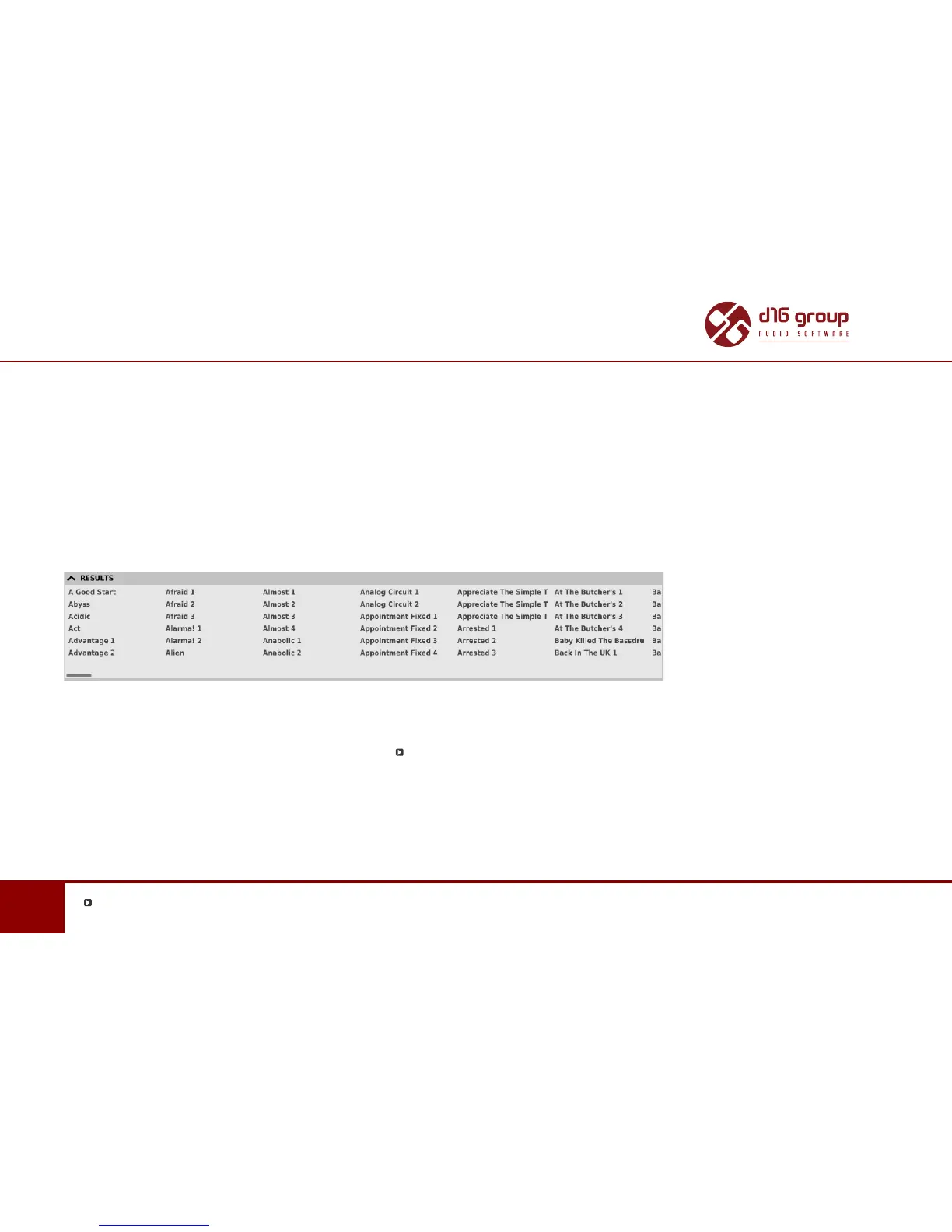
Results
This is a list of presets from chosen resources that meet the ltering criteria. The basic funcon of this secon is browsing and loading
presets (in Browsing Mode – by default).
Results Secon in Preset Browser
Click any name to choose and load the preset.
Double-click the name to enter preset name edit mode.
*
Possible only in the Edit Mode


 To Next Page