As you can see at rst sight there are almost no dierences between the Sample Browser and the Preset Browser and it is also true when
it comes to their funconality. These browsers have the same components which operate exactly in the same manner, e.x.: Content
to select the browsed (User or Factory) resources. There are also Filters based on the Category and Tag system like the presets. And the
Results displaying the Samples (similarly to Presets in the Preset Browser) from the selected Resources that meet the criteria specied
in Filters. Thus, this chapter presents only the funcons that dierenate the Sample Browser from the Preset Browser.
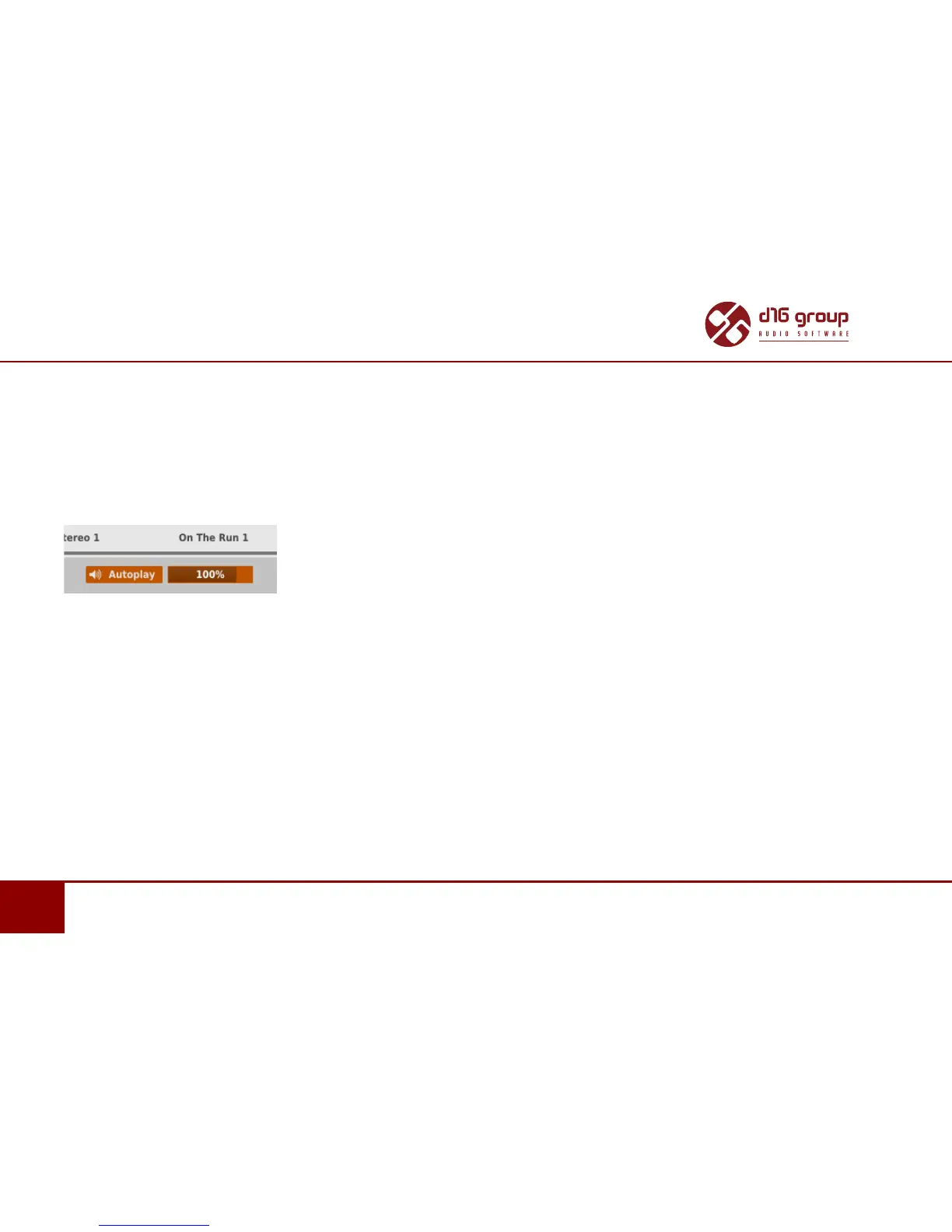
Auto-Play
Auto-play allows you to play the browsed samples to listen to them before conrming their loading with Ok.
Autoplay buon in the Preset Browser
Press Autoplay (the buon operang in the toggle mode) to enable/disable this funcon. What’s more, when this funcon is enabled
you can use the slider on the right side to control the played sample volume.
User samples Import
When the Edit Mode of the Sample Browser is acve you can import the external samples to the user resources from wave les
with the Import Samples buon displayed at the boom of the Sample Browser:


 To Next Page